1
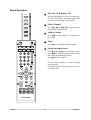
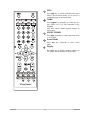
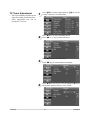
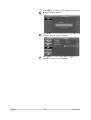
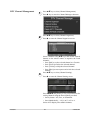
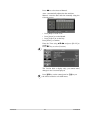
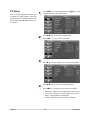
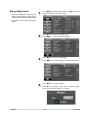
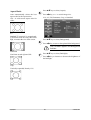
Sound Adjustment The Sound adjustment enable user to adjust volume, treble, bass, balance, speaker output and surround setting. 1 2 3 Press ᒵ key on the control panel or Ҭᓃ key on the remote control to view OSD menu. Press ST key to select [Sound] mode. Press WX or +/- key to enter sub-menu. Press WXNH\WRVHOHFW6RXQG0RGH In preset Audio Modes, it is allowed to adjust each subaudio-item setting. Press ST key to select item and press WX key or +/- key to adjust setting. ViewSonic 19 VT2230-NT