1
Listen to the Demo Session
To get started, you can use the Demo Session to see and hear many of the things you’ll soon
be doing in Pro Tools. It also gives you sound to play so you can test your headphones or
speakers.
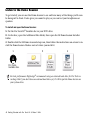
To install and open the Demo Session:
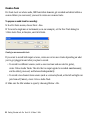
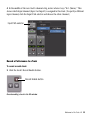
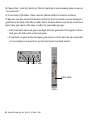
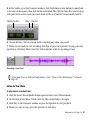
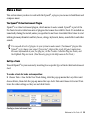
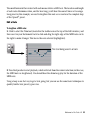
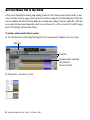
1 Put the Pro Tools LE® Installer disc in your DVD drive.
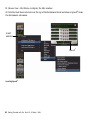
2 On the disc, open the Additional Files folder, then open the LE Demo Session Installer
folder.
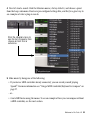
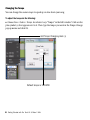
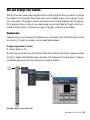
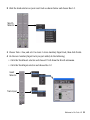
3 Double-click the LE Demo Session Setup icon, then follow the instructions on-screen to install the Demo Session. Make a note of where you install it.
1
2
3
Pro Tools
Installer disc
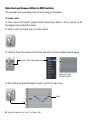
For best performance Digidesign® recommends using an external hard drive for Pro Tools recordings. But if you don’t have an external hard drive yet, it’s OK to put the Demo Session on
your system drive.
4 Getting Started with Pro Tools LE & Mbox 2 Mini