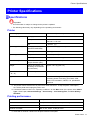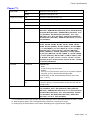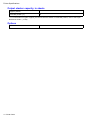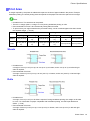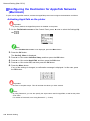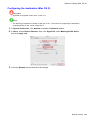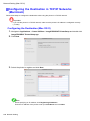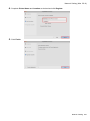
1
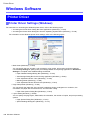
Printer Driver
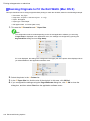
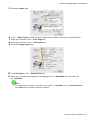
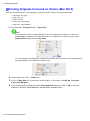
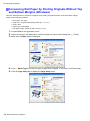
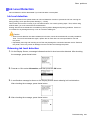
Accessing the Printer Driver Dialog Box from the
Operating System Menu (Windows)
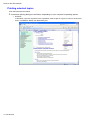
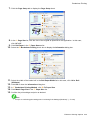
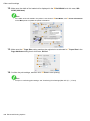
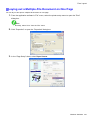
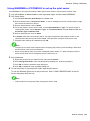
1.
2.
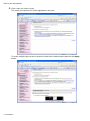
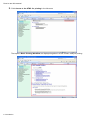
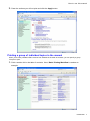
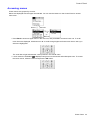
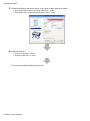
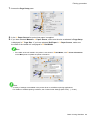
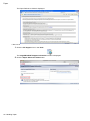
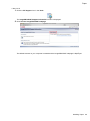
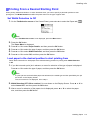
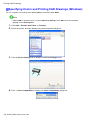
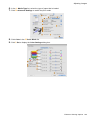
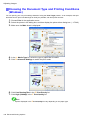
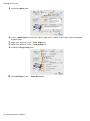
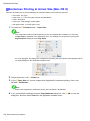
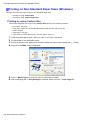
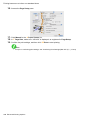
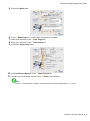
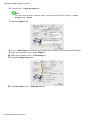
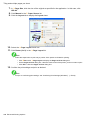
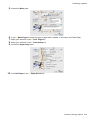
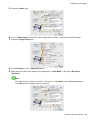
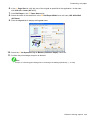
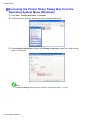
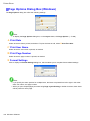
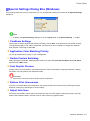
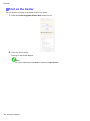
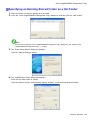
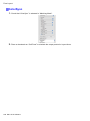
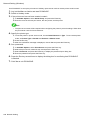
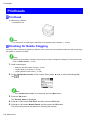
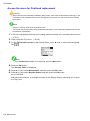
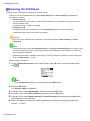
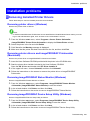
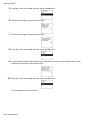
Click start > Printers and Faxes (or Printers).
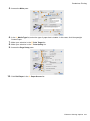
3.
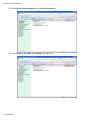
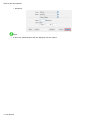
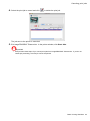
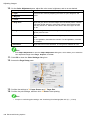
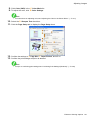
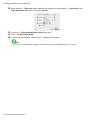
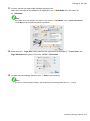
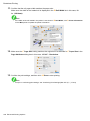
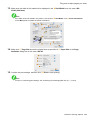
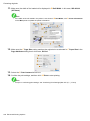
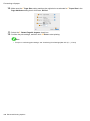
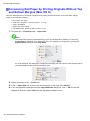
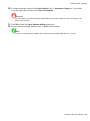
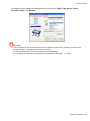
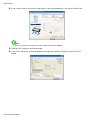
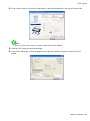
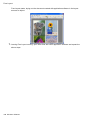
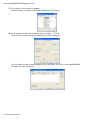
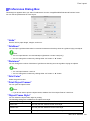
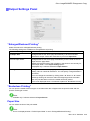
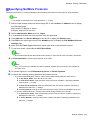
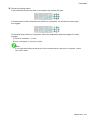
Click Printing Preferences to display the Printing Preferences dialog box, titled with the
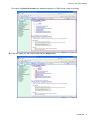
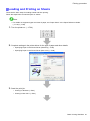
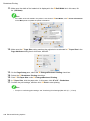
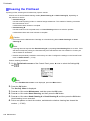
Select the printer, and then display the printer properties dialog box.
name of this printer.
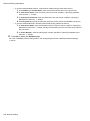
Note
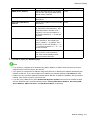
• The Device Settings sheet is also an extension of the printer driver. (→P.377)
348 Windows Software