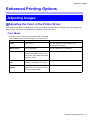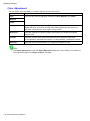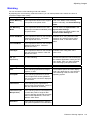
1
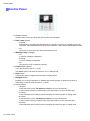
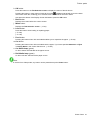
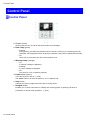
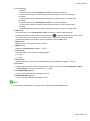
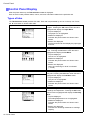
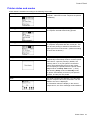
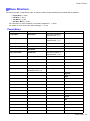
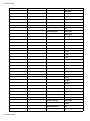
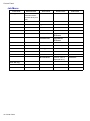
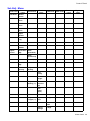
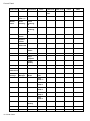
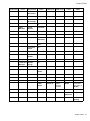
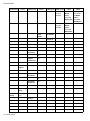
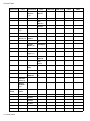
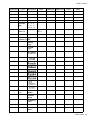
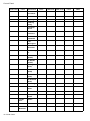
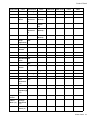
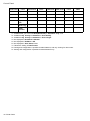
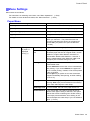
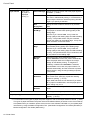
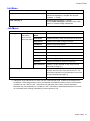
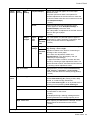
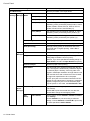
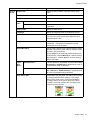
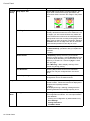
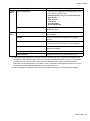
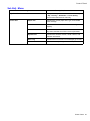
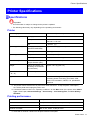
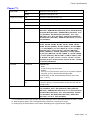
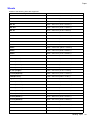
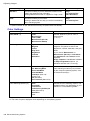
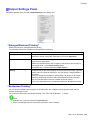
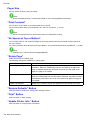
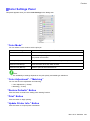
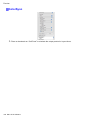
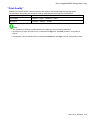
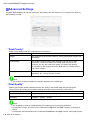
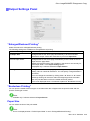
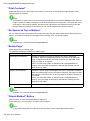
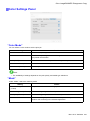
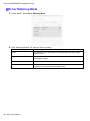
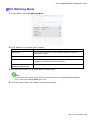
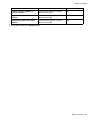
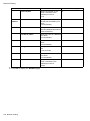
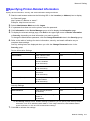
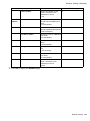
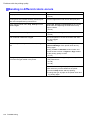
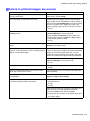
Control Panel Setting Item Admin. Menu Printer Info Change Password Description, Instructions • Viewing and conguration by administrators, and only viewing by other users Interface Setup settings (except IPv4 Settings) Date & Time Date Format Time Zone Use RemoteUI Reset PaprSetngs Init.Admin.Pswd Choose OK to restore the Admin. Menu password to the default values. Paper Info Indicates the current paper size, type, and related printer settings. Ink Info Indicates ink levels and maintenance cartridge capacity. Head Info Indicates the model name, serial number, number of days used, and dot count of the current printhead. System Info Indicates the rmware version, serial number, and interface information. Error Log Indicates the most recent error messages (up to ve). Other Counter Indicates the total printing volume of the printer. *1: Indicates a rough estimate of how much ink was consumed per page. Actual ink consumption may be different. The average margin of error for estimates calculated according to Canon measurement conditions for ink costs is ±15%. Canon does not guarantee the accuracy of these estimates. Estimates may vary depending on conditions of use. Calculation of these estimates does not include ink consumed when cleaning printheads by forceful ejection of ink. *2: It is not possible to match the colors and image quality produced by the specied printer exactly. Printer Parts 59