1
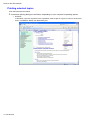
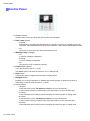
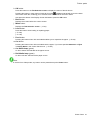
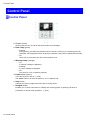
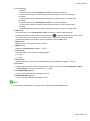
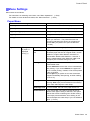
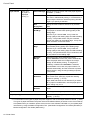
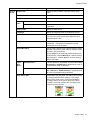
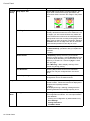
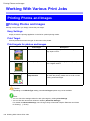
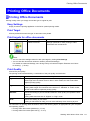
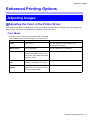
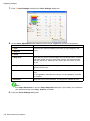
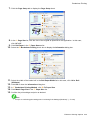
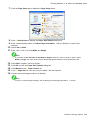
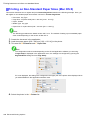
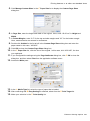
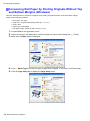
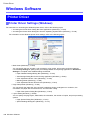
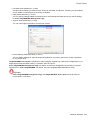
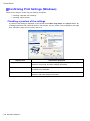
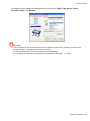
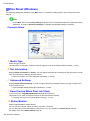
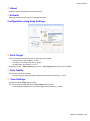
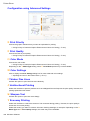
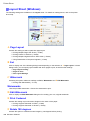
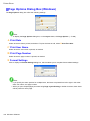
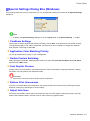
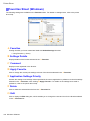
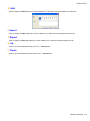
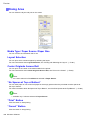
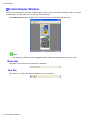
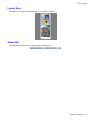
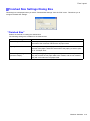
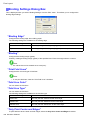
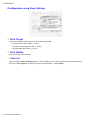
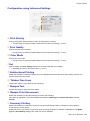
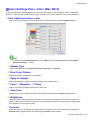
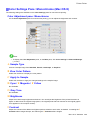
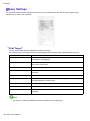
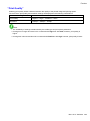
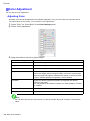
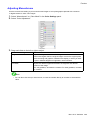
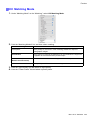
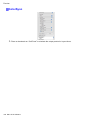
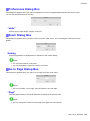
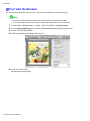
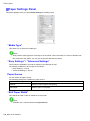
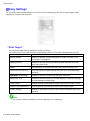
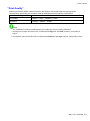
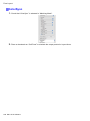
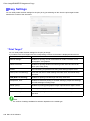
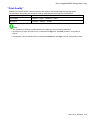
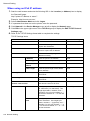
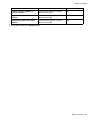
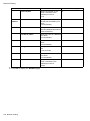
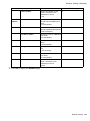
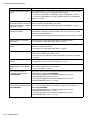
Printer Driver N About Displays version information for the printer driver. S Defaults Restores all settings on the sheet to the default values. Conguration using Easy Settings E Print Target Choose presets that match the type of document to be printed. • Printing Photos and Images (→P.152) • Printing Line Drawings and Text (→P.160) • Printing Ofce Documents (→P.171) Depending on the A Media Type setting, some E Print Target options may not be available. F Print Quality Choose the level of print quality. • Giving Priority to Particular Graphic Elements and Colors for Printing (→P.187) G View Settings Displays the Print Target setting values. You can view and change the order of Print Target setting values. • View Settings Dialog Box for the Printing Application (Windows) (→P.355) Windows Software 351