1
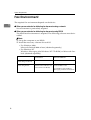
Cooperation with Existing Products
Cooperation with Existing Products
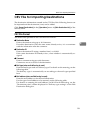
When this software is used with the
ScanRouter System products of the
previous version and with existing
products, the following restrictions
are imposed.
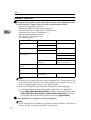
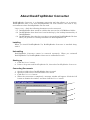
Importing of Destination Data
Destinations and senders exported
from the following products can be
used by importing them with ScanRouter V2 Professional/Enterprise.
• ScanRouter V2 Lite
• ScanRouter V2 Professional (Ver.
1xx)
• ScanRouter
• ScanRouter Professional
The imported destinations and senders are added to the main destination
list.
This information is also added to
"Standard Destination List" or "Standard Sender List" of the destination
list, depending on the type of information.
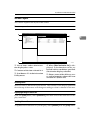
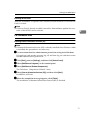
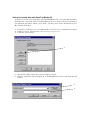
Import the information using the following procedure.
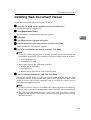
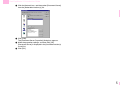
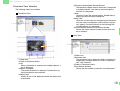
A Click [Restore All Destination Data] in
the [Operations] menu in [Main Destination List] of the delivery table.
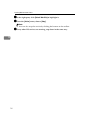
C Click [Open].
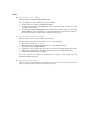
Note
❒ If another destination with the
same name already exists, the
file is not imported.
❒ If another destination specified
by the same fax delivering ID already exists, it is extracted without the fax delivering ID being
specified.
4
Use from DeskTopBinder V2
To connect from DeskTopBinder V2
(Ver. 1.xx) to ScanRouter V2 Professional/Enterprise, note the following
items.
❖ Destination editing
Destinations cannot be edited from
DeskTopBinder V2 (Ver. 1.xx). Upgrade DeskTopBinder V2 (Ver.
1.xx).
❖ Document delivery
When documents are delivered
from DeskTopBinder V2 (Ver.
1.xx), the destinations that can be
used are added to "Standard Destination List".
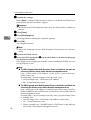
B Set the file type to "CSV File Pre-
vious Version (*.CSV)" and select
a file to be imported.
55