1
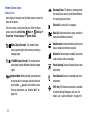
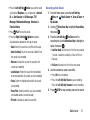
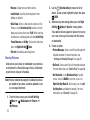
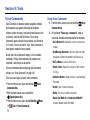
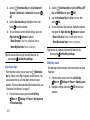
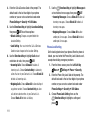
• To Blogs: Post pictures to a blog of your choice.
Press the Left Soft Key New to create a link to a
new blog.
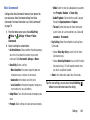
• Shooting Mode: Select Single to take one picture at a
time, or Continuous, to take multiple pictures with
each press of the Camera Key.
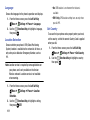
• To Facebook: Post a picture to Facebook, using your
personalize upload email address. You will need to set
up your phone with your Facebook account before
posting; for more information see the Mobile account
information of your Facebook account.
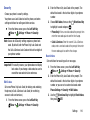
• Resolution: Choose a resolution for new photos, from
1280x960, 640x480, or 320x240.
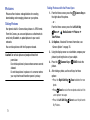
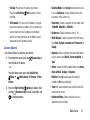
Camera Options
Use Camera Options to customize your photos.
1. From the Home screen, press the
the right side of the phone.
– or –
Camera Key on
From the Home screen, press the Left Soft Key
Menu ➔
Media Center ➔ Pictures ➔ Take
Picture.
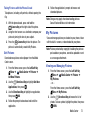
2. Press the Right Soft Key Options for options, then
use the
Directional Key to scroll Left or Right, and
to configure options:
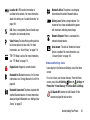
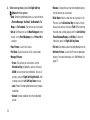
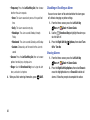
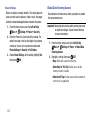
• Brightness: Choose a brightness level (1–9).
• White Balance: Choose a setting for the light source,
from Auto, Daylight, Incandescent, Fluorescent, or
Cloudy.
• Exposure: Select a setting for measuring light before
taking a picture, from Matrix, Center-weighted, or
Spot.
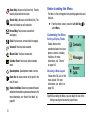
• Effects: Choose an effect to add to photos, from None,
Black & White, Antique, or Negative.
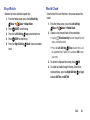
• Night Shot: Select On to adjust exposure for low light
conditions or Off to use available light.
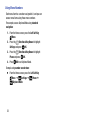
• Timer: Set a delay between pressing the Camera Key
and taking the picture.
• Viewfinder Mode: Choose to display icons or a
guideline on the viewfinder.
Media Center
76