1
4-2
Managing Files
File Management
Deleting Files
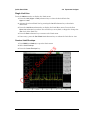
Delete a Selected File or Files
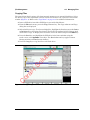
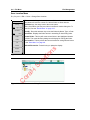
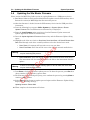
Press the Delete submenu key. Highlight the file to be deleted with the touchscreen or the
Up/Down arrow keys. Press the Select or De-Select key. The file will be outlined in blue when
selected. Press the Delete key and Enter to delete the selected file.
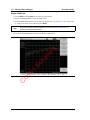
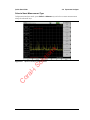
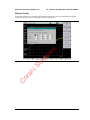
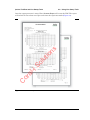
Delete Dialog Box
or
Delete Dialog Box
C
Figure 4-5.
al
-i
So
lu
tio
ns
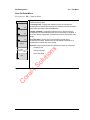
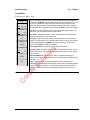
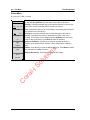
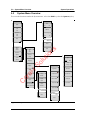
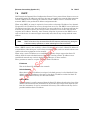
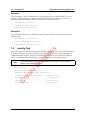
Press the Delete submenu key to open the Delete dialog box (Figure 4-5). The submenus allow
sorting by file type, name and saved date. See the “Delete Menu” on page 4-14 for additional
information.
4-6
PN: 10580-00252 Rev. E
Site Master User Guide