1
66 | Handling Paper and Other Media
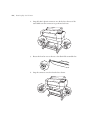
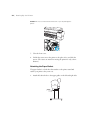
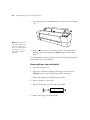
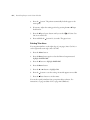
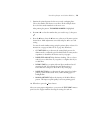
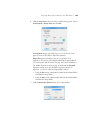
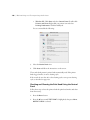
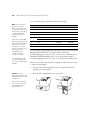
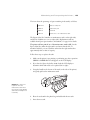
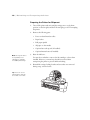
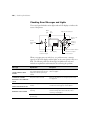
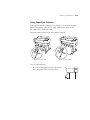
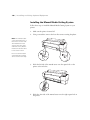
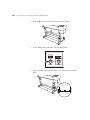
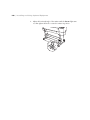
3. Press the l Paper Source button until the
LCD display.
Sheet icon appears on the
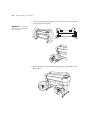
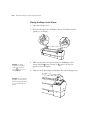
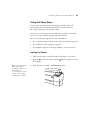
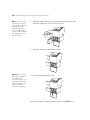
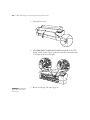
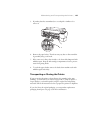
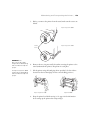
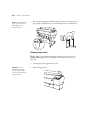
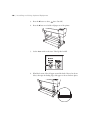
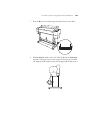
4. Push the paper lever back to the Released position.
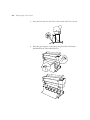
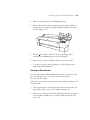
5. Open the front cover. (The cover has special tabs that act as paper
supports when the cover is open.)
66