1
Chapter 4
Installation and Startup
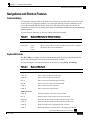
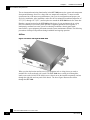
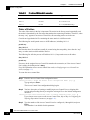
Front Panel
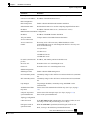
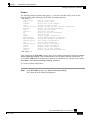
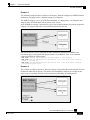
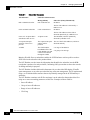
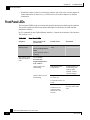
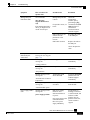
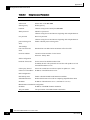
LED Groups
Description
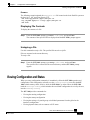
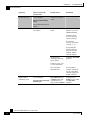
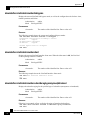
Bypass
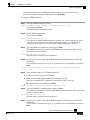
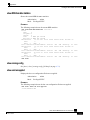
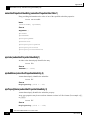
• Continuous green: indicates that the traffic bypasses the SCE 1000 through an
internal electrical bypass module.
Single SCE 1000 topology: The SCE 1000 is either in bypass or sniffing mode
Cascaded topology: Either the SCE 1000 is forwarding traffic to the other SCE
1000, where it is being processed, or is simply in bypass mode, so traffic
through it is not being processed.
• Unlit: traffic is not being bypassed
Single SCE 1000 topology: indicates normal operation of the SCE 1000
Cascaded topology: indicates normal operation of the active SCE 1000
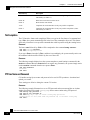
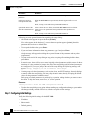
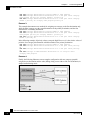
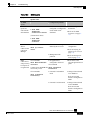
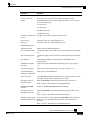
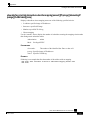
GBE ports
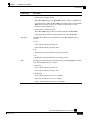
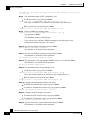
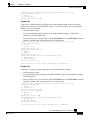
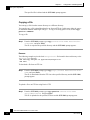
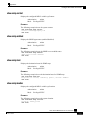
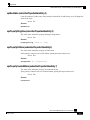
The GBE LEDs indicate the operational status of the SCE 1000 line ports, as
follows:
• Link
Green: indicates that the port link is up
Unlit: indicates that the port link is down
• Rx
Flashing Green: indicates that there are incoming packets
• Tx
Flashing Green: indicates that there are outgoing packets
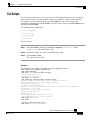
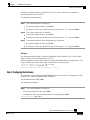
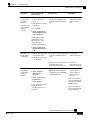
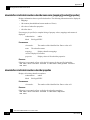
Mng
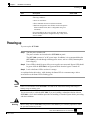
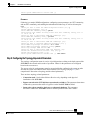
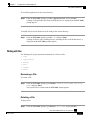
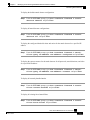
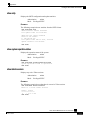
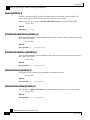
The Mng port LEDs indicate the operational status of the SCE 1000 out-of-band
LAN-based management port, as follows:
• Link/Active
Green: indicates that the port link is up
Unlit: indicates that the port link is down
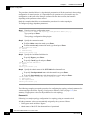
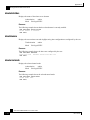
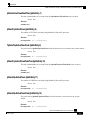
• 10/100/1000
Green: indicates that the port is set to 100 Mbps
Unlit: indicates that the port is set to 10 Mbps
Orange: iindicates that the port is set to 1000 Mbps
SCE 1000 2xGBE Release 2.0.10 User Guide
OL-7117-02
4-21