1
KDFX Reference
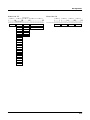
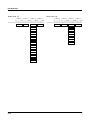
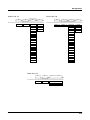
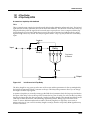
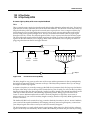
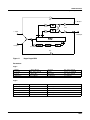
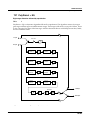
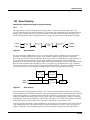
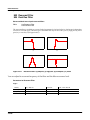
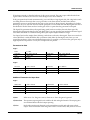
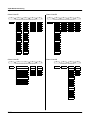
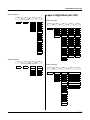
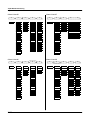
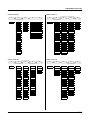
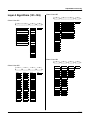
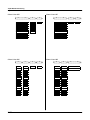
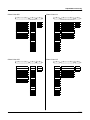
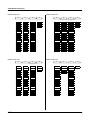
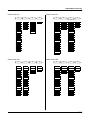
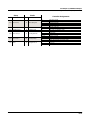
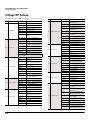
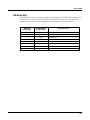
KDFX Algorithm Specifications
Page 2
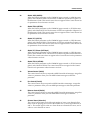
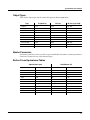
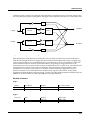
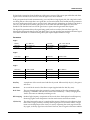
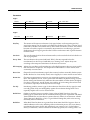
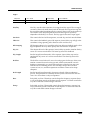
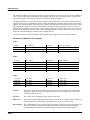
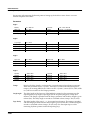
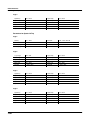
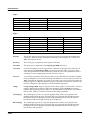
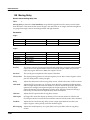
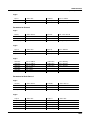
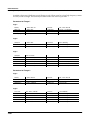
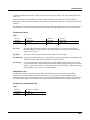
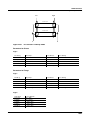
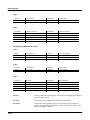
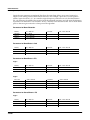
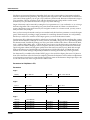
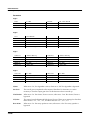
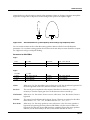
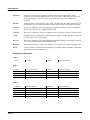
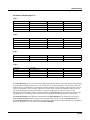
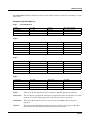
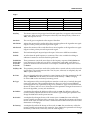
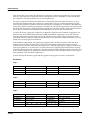
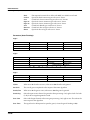
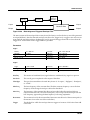
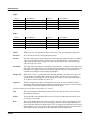
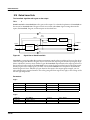
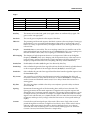
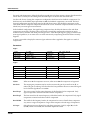
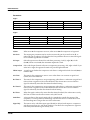
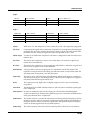
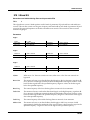
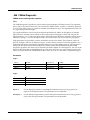
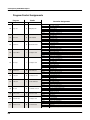
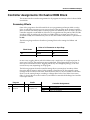
Lo Enable
On or Off
Mid Enable
On or Off
Lo Drive
Off, -79.0 to 24.0 dB
Mid Drive
Off, -79.0 to 24.0 dB
Lo Xfer
-100 to 100%
Mid Xfer1
-100 to 100%
Mid Xfer2
-100 to 100%
Lo Delay
0 to 1000 samp
Mid Delay
0 to 500 samp
Lo Mix
Off, -79.0 to 24.0 dB
Mid Mix
Off, -79.0 to 24.0 dB
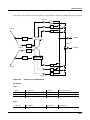
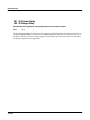
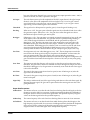
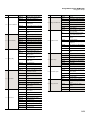
Page 3
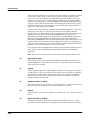
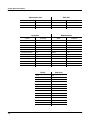
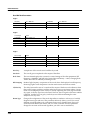
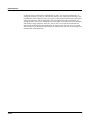
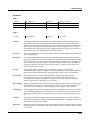
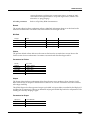
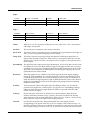
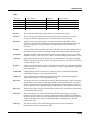
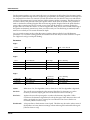
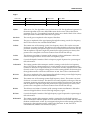
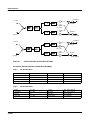
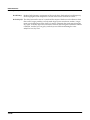
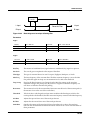
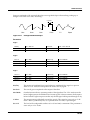
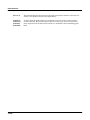
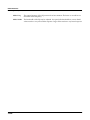
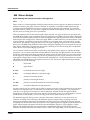
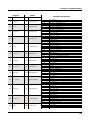
Hi Enable
On or Off
Hi Drive
Off, -79.0 to 24.0 dB
Hi Xfer1
-100 to 100%
Hi Xfer2
-100 to 100%
Hi Delay
0 to 500 samp
Hi Mix
Off, -79.0 to 24.0 dB
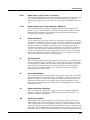
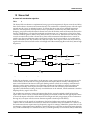
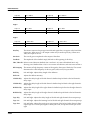
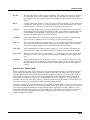
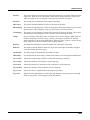
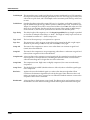
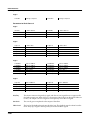
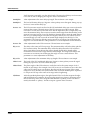
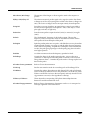
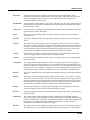
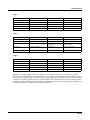
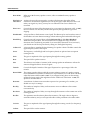
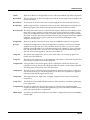
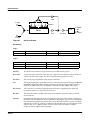
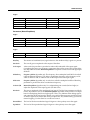
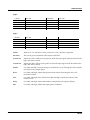
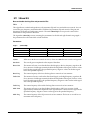
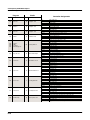
In/Out
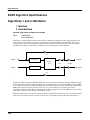
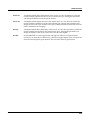
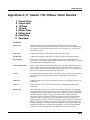
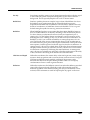
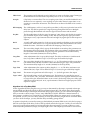
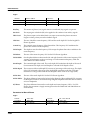
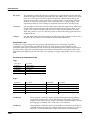
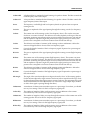
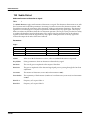
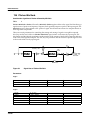
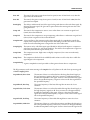
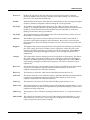
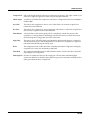
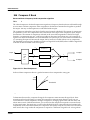
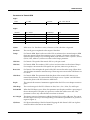
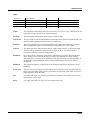
When set to “In” the effect is active; when set to “Out” the effect is bypassed.
Out Gain
The overall gain or amplitude at the output of the effect.
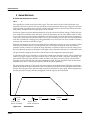
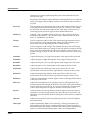
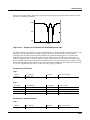
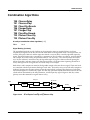
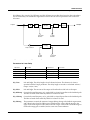
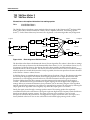
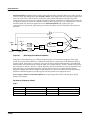
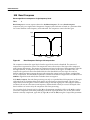
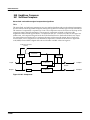
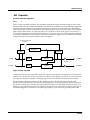
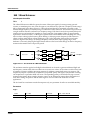
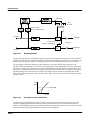
CrossOver1
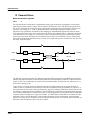
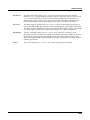
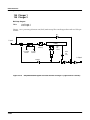
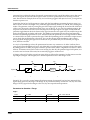
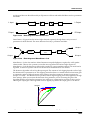
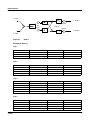
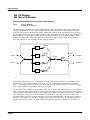
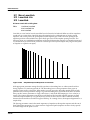
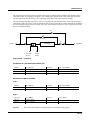
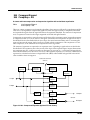
Adjusts one of the -6dB crossover points at which the input signal will be divided into the
high, mid and low bands.
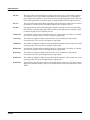
CrossOver2
Adjusts the other -6dB crossover points at which the input signal will be divided into the
high, mid and low bands.
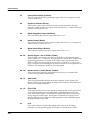
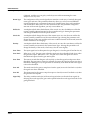
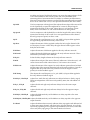
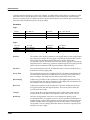
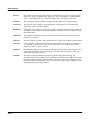
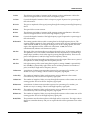
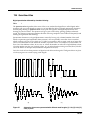
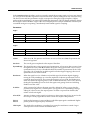
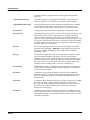
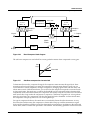
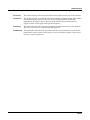
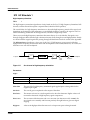
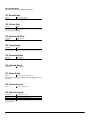
Enable
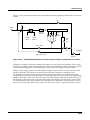
Low, Mid, and High. Turns processing for each band on or off. Turning each of the 3 bands
off results in a dry output signal.
Drive
Low. Mid, and High. Adjusts the input into each transfer. Increasing the drive will
increase the effects.
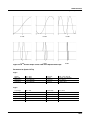
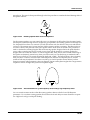
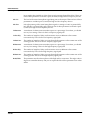
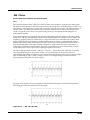
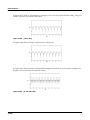
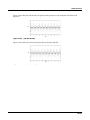
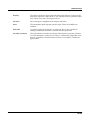
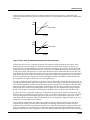
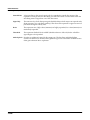
Xfer
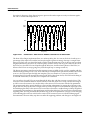
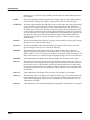
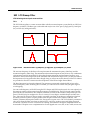
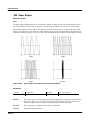
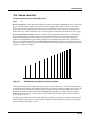
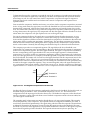
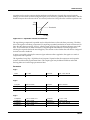
Low, Mid, and High; Xfer1 and Xfer2 for Mid and High. Adjusts the intensity of the
transfer curves.
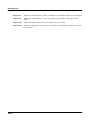
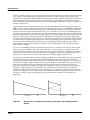
Delay
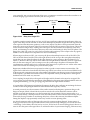
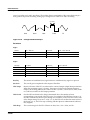
Low, Mid, and High. Adjusts the number of samples the each signal is delayed.
Mix
Low, Mid, and High. Adjusts the output gain of each band.
10-225