1
ENGLISH
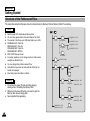
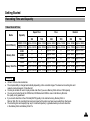
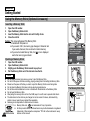
Miscellaneous Information: Connecting the CAM with other Devices
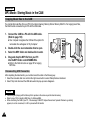
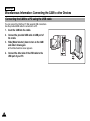
Connecting the CAM to a VCR
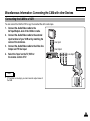
You can connect the CAM to VCR to copy the recorded files to the video tape.
1.
2.
3.
4.
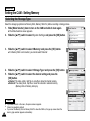
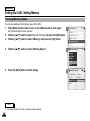
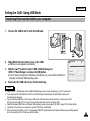
Connect the Audio/Video cable to the
AV Input/Output Jack of the CAM or cradle.
Connect the Audio/Video cable to the external
input terminal of your VCR set by matching the
colors of the terminals.
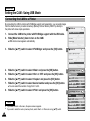
Connect the Audio/Video cable to the Video line
Output and TV line Input.
Select the ‘Input’ on the TV, VCR or
the remote control of TV.
Line Input
Line Output
1 ALARM IN 2 ALARM OUT 3 ALARM RESET 4 GND 5 TRIGGER OUT
6 TAPE END OUT 7 SERIES OUT 8 GND 9 SERIES IN 10 1 SHOT REC IN
1
OUT
2
3
4
5
6
7
8
9
10
IN
OUT
IN
Line Input
Note
✤
If TV set has no Line Input, you cannot view the output screen of
the CAM.
113