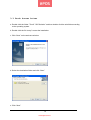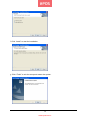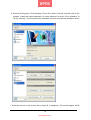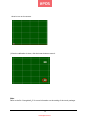
1
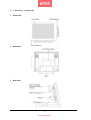
3.2 Pole-type Customer Display
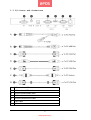
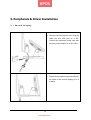
a. Pass the cord through the hole. Plug the
cable into a free COM port on a PC.
Connect the extension power cord and
plug the power adaptor to an AC outlet.
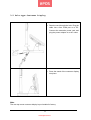
b. Press the stand of the customer display
into place.
Note
The rear top mount customer display is pre-installed in factory.
11
www.eposcom.ru