1
Using the Dictionary
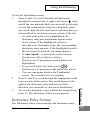
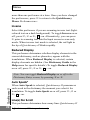
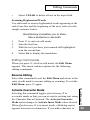
Headword – A single word or hyphenated word listed in the
dictionary. When the selected word is a derivative of a
dictionary entry, the corresponding dictionary entry appears.
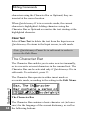
Homonym number***– When the scanned word corresponds to two or more identical dictionary entries with
separate meanings, each meaning is a separate entry with its
own number.
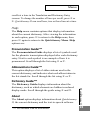
Phonetics – The phonetic transcription of the headword. This
appears only when Reduced Display is unchecked. For a
guide to the phonetic symbols used in the dictionary, select
Pronunciation Guide from the Help option in the Quicktionary
Menu. (See the section Quicktionary Menu Options,below.)
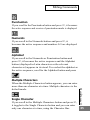
Part of speech –Specifies the part of speech represented by
the translation that follows—e.g., verb, adjective or noun.
Some dictionary entries contain several parts of speech.
When the
symbol appears to the right of a translation,
continue scrolling downward to view additional translations
of parts of speech.
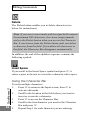
Idioms – Expressions, phrasal verbs and multiple-word
Last translation
of headword
Translation of idiom
Dictionary Entry displaying idiom
*** Not included with all dictionaries
Scroll arrow
indicating
additional
idioms
Quicktionary II
First idiom
15