1
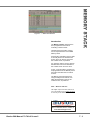
Memories
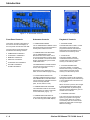
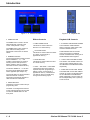
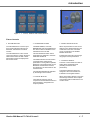
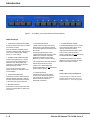
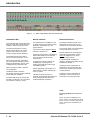
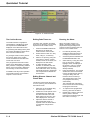
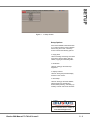
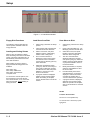
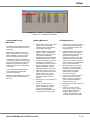
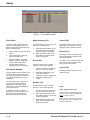
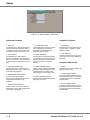
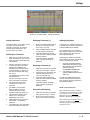
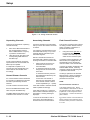
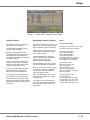
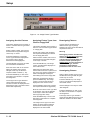
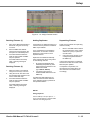
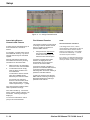
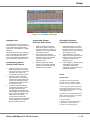
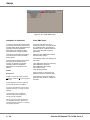
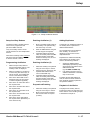
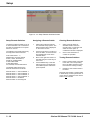
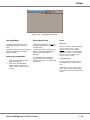
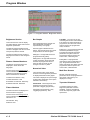
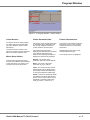
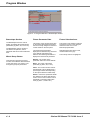
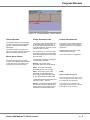
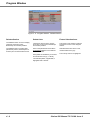
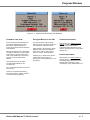
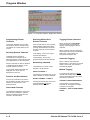
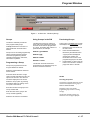
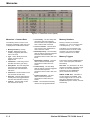
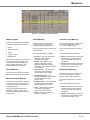
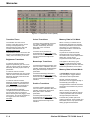
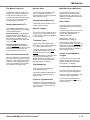
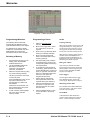
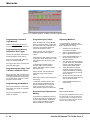
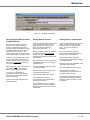
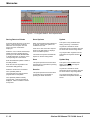
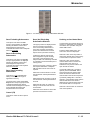
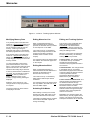
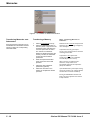
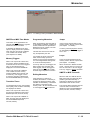
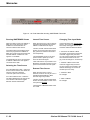
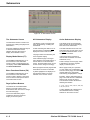
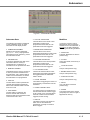
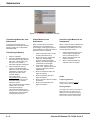
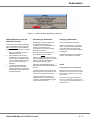
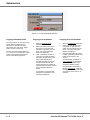
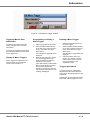
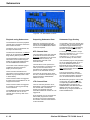
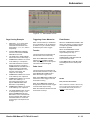
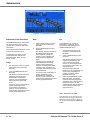
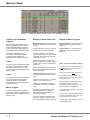
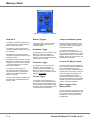
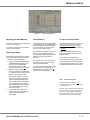
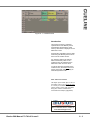
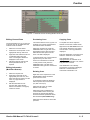
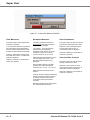
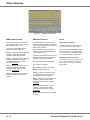
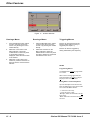
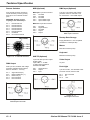
Figure 5 - 2 : Memories Screen (Detail)
Memories - Common Data
The following data is common to all
memories regardless of their type, and
is displayed on the Memories screen:
•
•
•
•
•
•
•
•
•
•
Memory Number (0 - 999.9)
Trigger - Determines how the
memory is triggered (GO button,
Auto or At Time).
Type - Scene, Multi-part Scene,
Chase, Sound to Light or
Ripplesound.
•
•
Information - A text string used to
describe the memory (30 chars).
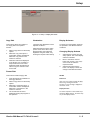
Delay Down - The time delay after
the memory has been triggered
before the HTP channels start to
fade down.
Fade Down - The time taken for the
HTP channels to fade down.
Delay Up - The time delay after the
memory has been triggered before
the HTP channels start to fade up.
Fade Up - The time taken for the
HTP channels to fade up.
5-2
•
•
•
Colour Delay - The time delay after
the memory has been triggered
before the fixture colour parameters
start to fade to their new levels.
Colour Transition - The time taken
for the fixture colour parameters to
fade to their new values.
Beamshape Delay - The time delay
after the memory has been triggered
before the fixture beamshape
parameters start to fade to their new
levels.
Beamshape Transition - The time
taken for the fixture beamshape
parameters to fade to their new
values.
Position Delay - The time delay
after the memory has been triggered
before the fixture position
parameters start to fade to their new
levels.
Position Transition - The time
taken for the fixture position
parameters to fade to their new
values.
Dwell - The time that the memory
remains at its programmed levels.
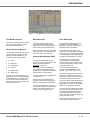
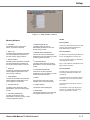
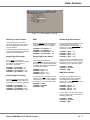
Memory Numbers
Memory numbers can be whole
numbers (1, 2, 3 etc) or numbers with
a decimal point (1.1, 1.2, 1.3 etc).
This allows up to 9 memories to be
inserted between two whole number
memories. The range of available
memory numbers is 0.1 to 999.9.
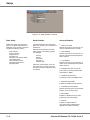
Memory Triggers
The memory triggers available depend
on the Time Input option selected in
Desk Setup:
Real Time - Go, Automatic or At Time
triggers are available. If memory trigger
is set to At Time, the start time is
specified in the form hh:mm:ss
(hours, minutes and seconds).
SMPTE or MIDI Time - Automatic or
At Time triggers are available. If the
memory trigger is set to At Time, the
start time is specified in the form
hh:mm:ss:ff (hours, minutes, seconds
and frames).
Illusion 500 Manual 73-741-00 Issue 2