1
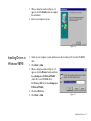
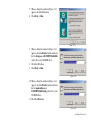
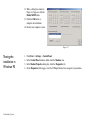
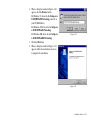
12. When a dialog box similar to
Figure 2-15 appears, click the
Enable MOH button.
13. Click the OK button to
complete the installation.
14. Restart your computer system.
Figure 2-15
Testing the
installation in
Windows 95
2-9 Installing Software
1.
2.
3.
4.
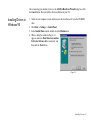
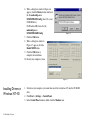
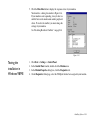
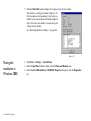
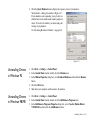
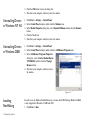
Click Start -> Settings -> Control Panel.
In the Control Panel window, double-click the Modems icon.
In the Modem Properties dialog box, click the Diagnostics tab.
On the Diagnostics tabbed page, select the COM port that has been assigned to your modem.