1
Settings
Settings
In order to satisfy your personal needs, the Cordless is equipped
with a number of setting options. This section describes how to
customize your Cordless. All of the following functions are
accessed via the Settings menu. For an overview of the available
functions, see section “Menu structure” on page 15.
Notes:
Some settings can also be controlled via the Modes menu,
see section “Modes” on page 84.
The alert signals are described in section “Audible
Adjustments” on page 99.
ç
à á
ã
â ã
ç
or
or
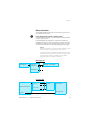
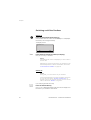
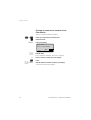
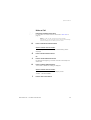
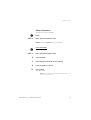
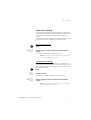
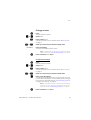
To enter the Settings menu
Press.
The last used tab is marked.
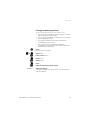
Select Settings.
Press to enter Settings.
A list with all available settings is shown.
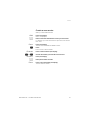
Scroll up or down until you find the required setting.
Press to leave the Settings menu.
BusinessPhone – Cordless DT412/DT422
89