1
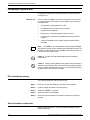
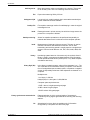
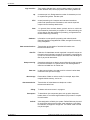
SYSGEN AND SYSGEN-RELATED PROCEDURES
Table 4-5.
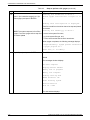
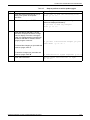
Steps to perform an online update sysgen
Step
Action
System Response
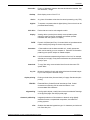
5.
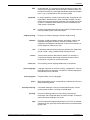
Enter N to retain the existing ID or Y to
enter a new system ID and press
<ENTER>.
Do you want to save the accounting file?
enter 'y' or ’n'
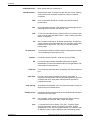
6.
Enter Y or N and press <ENTER>.
The base configuration and the system configuration
options are displayed followed by:
Do you wish to make any changes?
Enter 'y' or 'n'
>
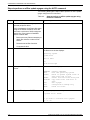
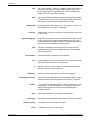
7.
Enter Y or N and <ENTER>. A Y and
<ENTER> response causes the change
menu to display. Each time a change is
made, the change question is asked until
an N and <ENTER> is entered, and the
sysgen program continues.’
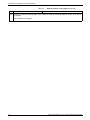
Do you want to discard the changes you just
made? Enter 'y' or 'n' >
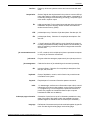
To discard the changes you just made and
continue sysgen, enter Y.
To save the changes you just made and
continue sysgen, enter N.
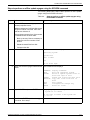
8.
Enter Y and <ENTER>.
XEROX DOCUPRINT 180 LPS SYSTEM GENERATION GUIDE
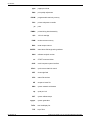
Is continuation of sysgen required? (y or n)
Should sysgen read from host or tape?
'h' or 't'
4-23