1
VIVOTEK - A Leading Provider of Multimedia Communication Solutions
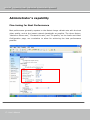
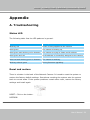
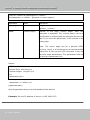
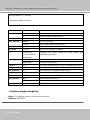
1. Press on the button continuously.
2. Wait for self-diagnostic to run twice.
3. Free the button as soon as the second self-diagnostic starts.
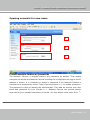
Restoring the factory defaults
will erase any previous settings.
Reset or restore the system after
power on.
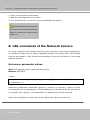
B. URL commands of the Network Camera
For some customers who already have their own web site or web control application,
the Network Camera can be easily integrated through convenient URLs. This section
lists the commands in URL format corresponding to the basic functions of the erase
Network Camera.
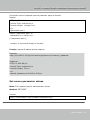
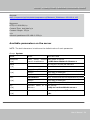
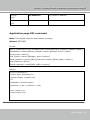
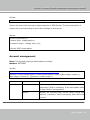
Get server parameter values
Note: This request require administrator access
Method: GET/POST
Syntax:
http://<servername>/cgi-bin/admin/getparam.cgi?[<parameter>]
[&<parameter>…]
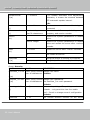
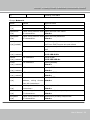
where the <parameter> should be <group>[_<name>] or <group>[.<name>] If you
do not specify the any parameters, all the parameters on the server will be returned. If
you specify only <group>, the parameters of related group will be returned.
When query parameter values, the current parameter value are returned.
- 51 www.vivotek.com
51 - User's Manual