1
FaxPress Administrator’s Guide
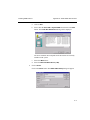
2.
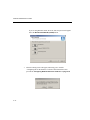
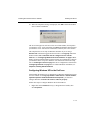
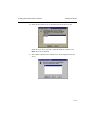
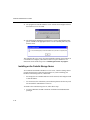
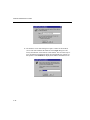
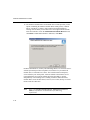
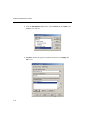
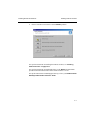
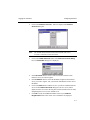
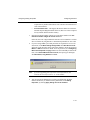
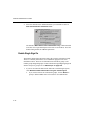
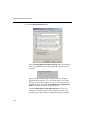
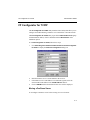
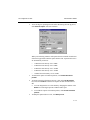
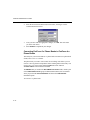
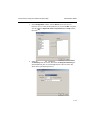
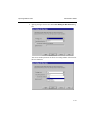
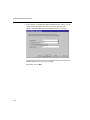
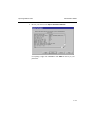
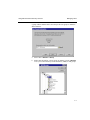
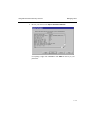
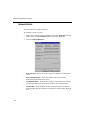
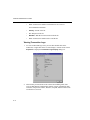
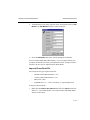
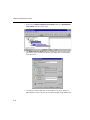
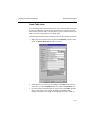
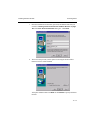
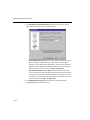
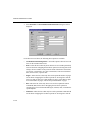
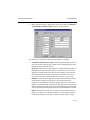
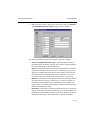
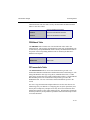
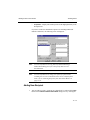
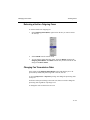
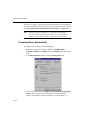
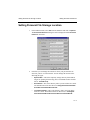
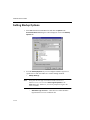
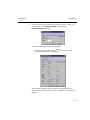
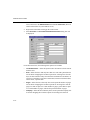
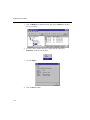
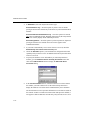
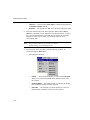
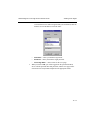
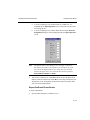
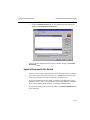
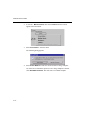
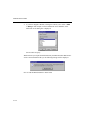
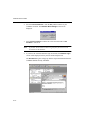
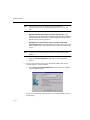
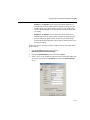
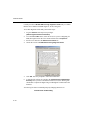
Enter the new Password in the Password text box, and retype it in the
Confirm Password text box.
3.
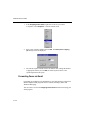
After you have made the appropriate changes, click Set. This will return
you to the main menu.
4.
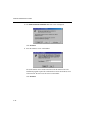
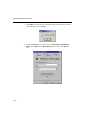
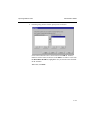
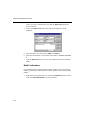
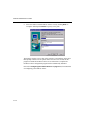
Select Reboot to implement your changes.
Converting FaxPress 3.x Phone Books to FaxPress 4.x
Phone Books
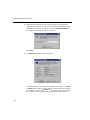
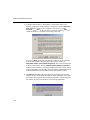
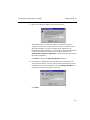
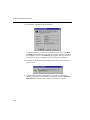
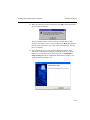
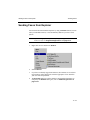
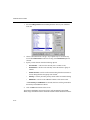
This utility lets you convert FaxPress 3.x phone books to FaxPress 4.x phone book
format, and 5.x to 6.x/7.x format.
The phone book you want to convert must be in working order before you can
convert it. Fix any phone book problems before running them in this utility. You
can use Pbfix to correct most problems. Pbfix.exe can be found in
\Castelle\Admin on the FaxPress CD-ROM.
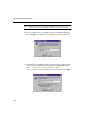
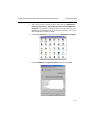
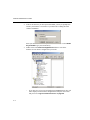
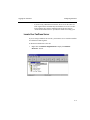
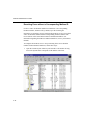
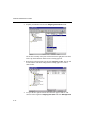
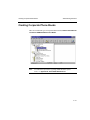
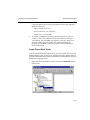
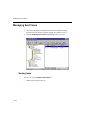
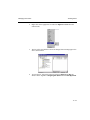
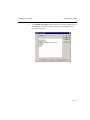
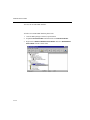
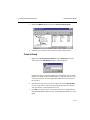
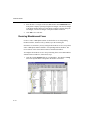
The PB3to4 utility is found in the PhoneBook Conversion folder, which is part
of the Administration Tools group of administration utilities, that is installed
when you perform the Client Installation and choose the Administrator
installation option.
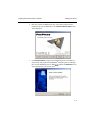
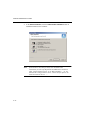
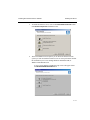
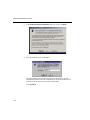
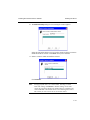
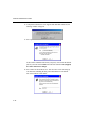
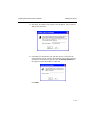
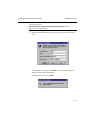
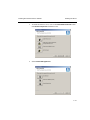
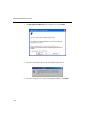
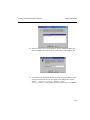
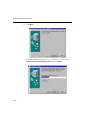
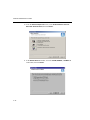
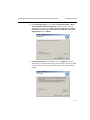
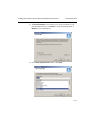
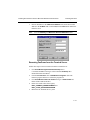
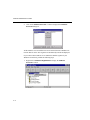
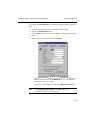
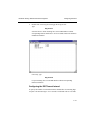
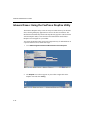
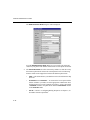
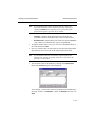
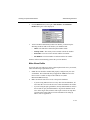
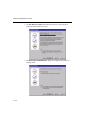
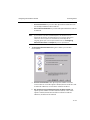
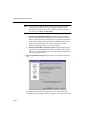
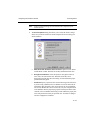
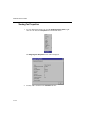
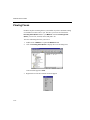
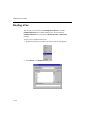
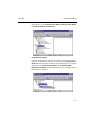
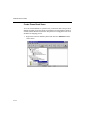
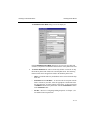
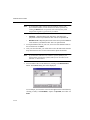
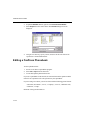
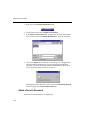
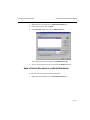
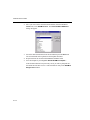
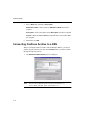
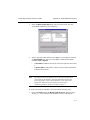
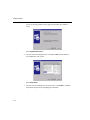
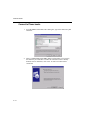
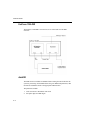
To convert a 3.x phone book:
6—16