1
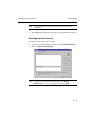
Managing Saved Faxes
5.
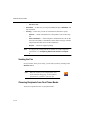
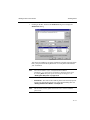
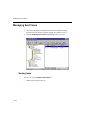
Managing Stored Faxes
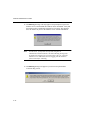
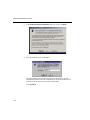
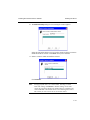
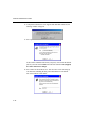
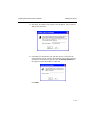
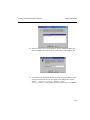
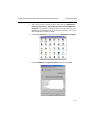
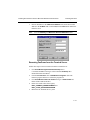
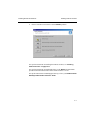
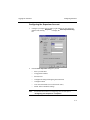
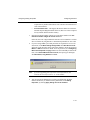
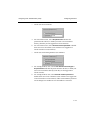
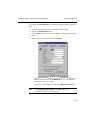
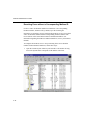
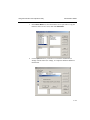
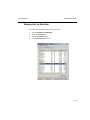
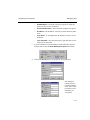
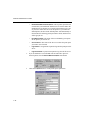
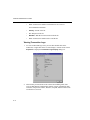
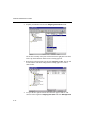
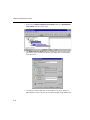
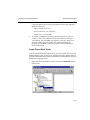
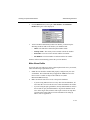
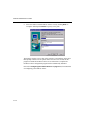
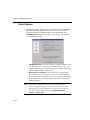
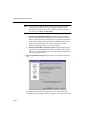
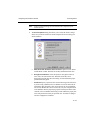
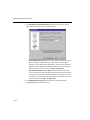
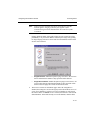
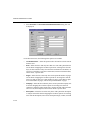
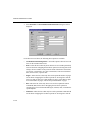
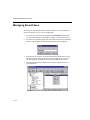
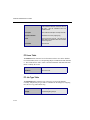
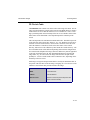
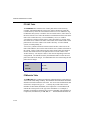
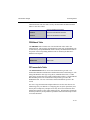
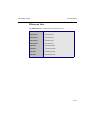
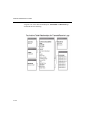
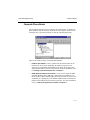
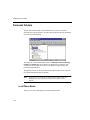
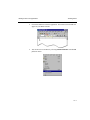
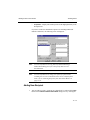
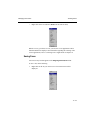
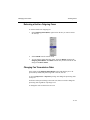
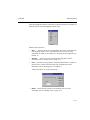
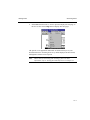
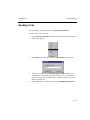
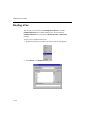
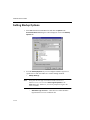
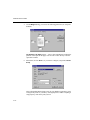
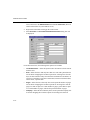
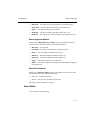
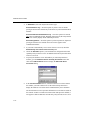
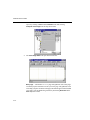
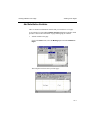
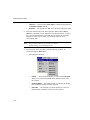
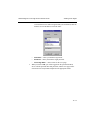
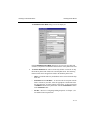
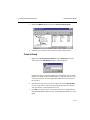
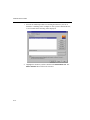
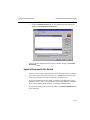
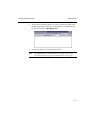
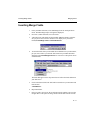
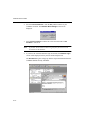
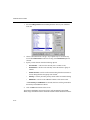
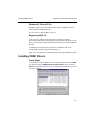
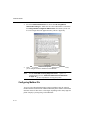
From the context menu, you can select:
•
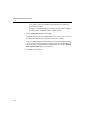
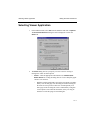
View... — Open the saved fax in the Viewer. This viewer application is
set in your personal preferences options. See also "Selecting Viewer
Application" in Chapter 10.
•
Print— Print the fax.
•
Delete— Removes the fax from your Saved Faxes folder. The fax may
still be available through your incoming or outgoing fax queues or
through your archived faxes folders.
•
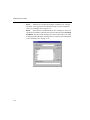
Send— This launches the Send Fax dialog box and attaches your saved
fax.
•
Mail— Depending on the settings in your profile and email client, this
either requests you to select an email service or directly launches your
email client. The saved fax will automatically be attached to a new
message.
16—11