1
FaxPress User’s Guide
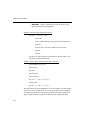
Note:
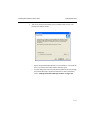
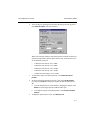
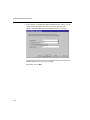
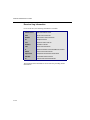
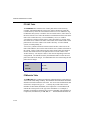
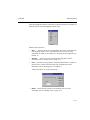
If your database table contains separate fields for country code,
area code and number you will need to select those separately, by
clicking the Build button to separately select each of those fields
and put them together to generate the fax number.
•
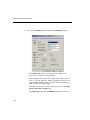
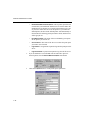
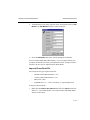
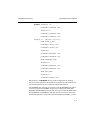
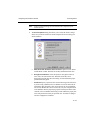
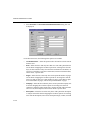
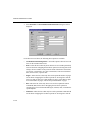
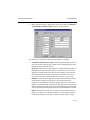
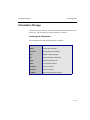
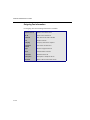
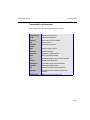
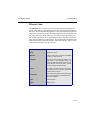
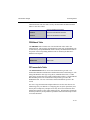
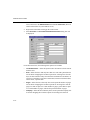
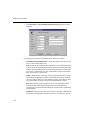
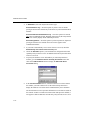
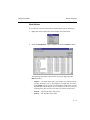
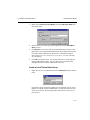
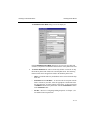
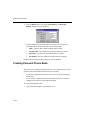
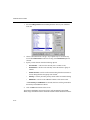
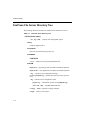
Company — Map this phone book field to the equivalent CompanyName column in your database table. This is an optional field.
•
Bill Back Code— Map this phone book field to the equivalent BillBack-
Code column in your database table. This is an optional field.
3.
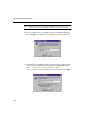
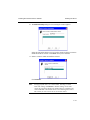
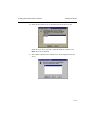
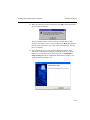
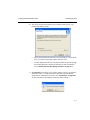
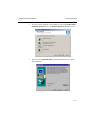
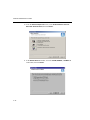
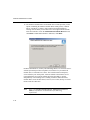
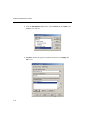
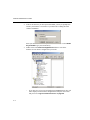
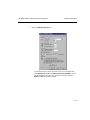
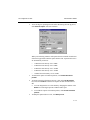
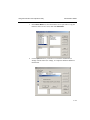
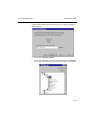
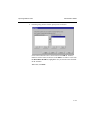
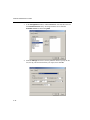
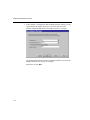
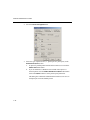
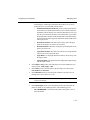
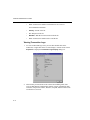
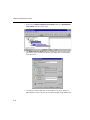
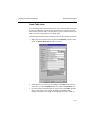
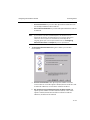
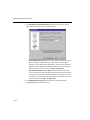
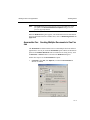
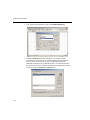
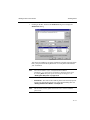
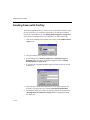
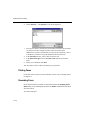
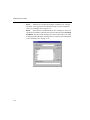
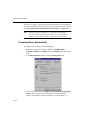
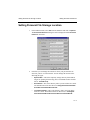
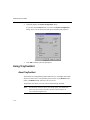
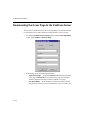
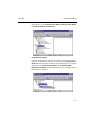
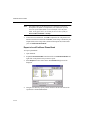
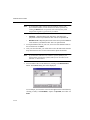
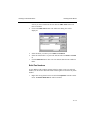
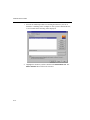
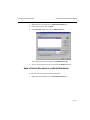
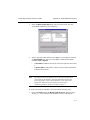
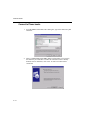
To map the database table to your view, select one of the database tables in
the scroll down list for Table.
4.
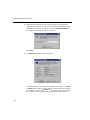
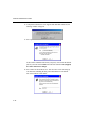
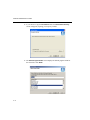
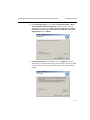
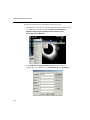
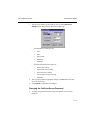
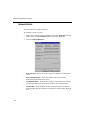
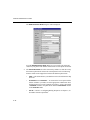
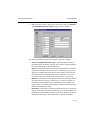
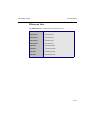
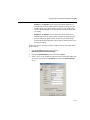
Once you select the table, you will be able to select the table fields from the
drop-down list boxes next to each of the FaxPress phone book fields.
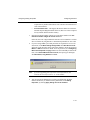
Note:
5.
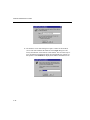
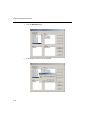
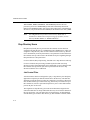
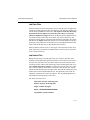
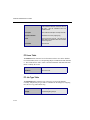
If your database table does not contain a separate fields for first
and last name, just map one of them (either first or last name) to the
full name, as shown above.
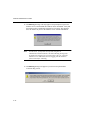
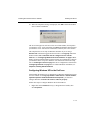
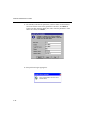
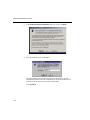
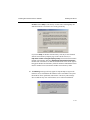
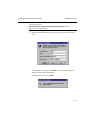
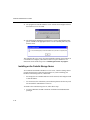
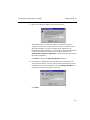
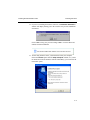
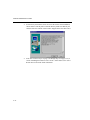
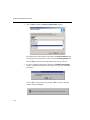
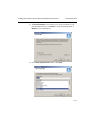
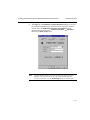
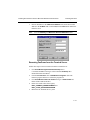
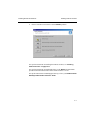
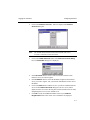
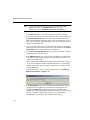
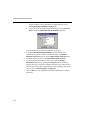
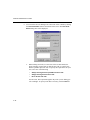
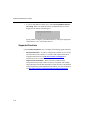
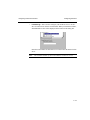
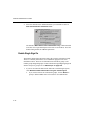
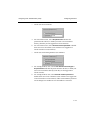
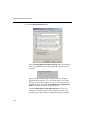
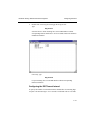
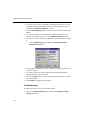
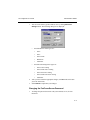
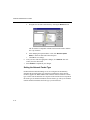
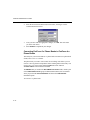
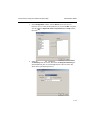
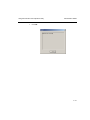
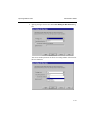
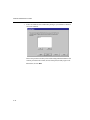
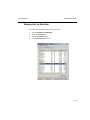
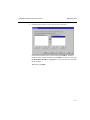
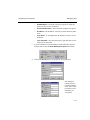
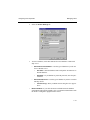
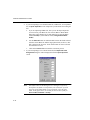
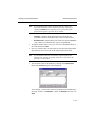
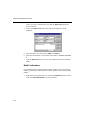
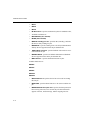
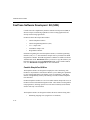
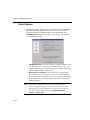
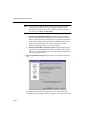
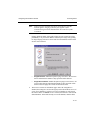
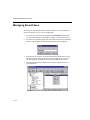
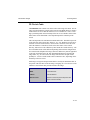
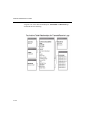
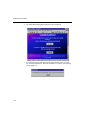
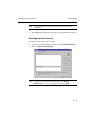
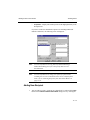
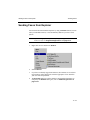
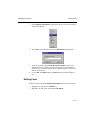
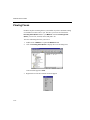
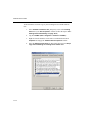
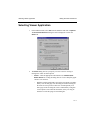
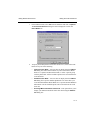
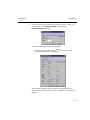
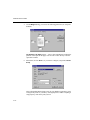
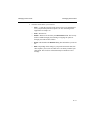
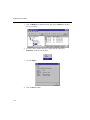
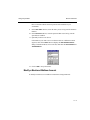
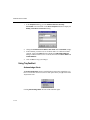
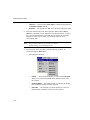
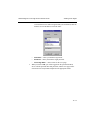
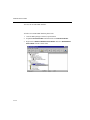
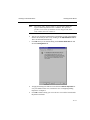
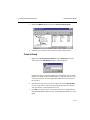
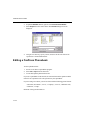
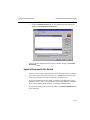
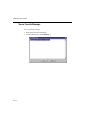
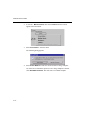
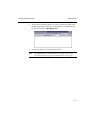
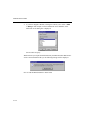
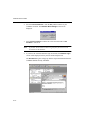
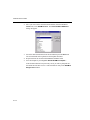
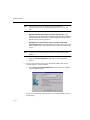
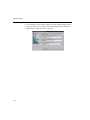
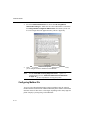
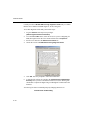
You can define a filter on the database by clicking on the Build Criteria
button. The Criteria dialog box will be displayed.
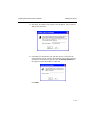
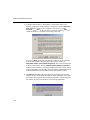
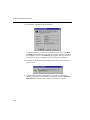
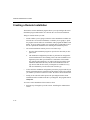
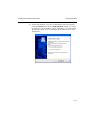
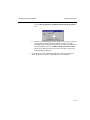
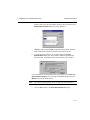
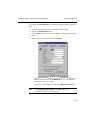
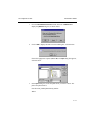
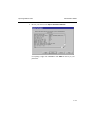
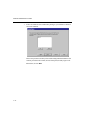
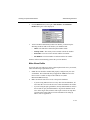
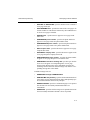
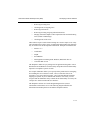
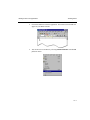
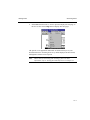
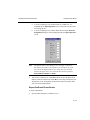
As an example, you can set the criteria for all supplier in the United States by
selecting “Country” for Field Name, “equals” for Operator, and “USA” for
Value.
19—16