1
Installation Guide
Creative DSL USB 7410
RFC1483
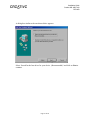
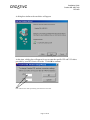
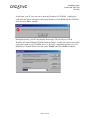
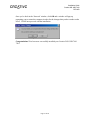
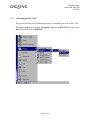
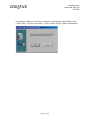
Once you’re back in the ‘Network’ window, click OK and a window will pop up
prompting you to restart the computer in order for the changes that you have made to take
effect. Click Yes to proceed with the installation.
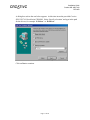
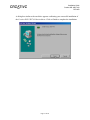
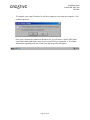
Congratulations! You have now successfully installed your Creative DSL USB 7410
7410.
Page 21 of 40