1
01227A SCD371 USA~071
2/1/07 9:39 AM
Page 50
ENGLISH
Advanced Recording
Setting the White Balance
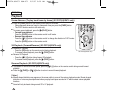
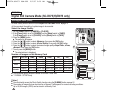
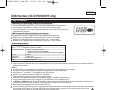
✤ The White Balance function works in both <Camera> and <M.Cam> modes. ➥page 19
✤ The White Balance is a recording function that preserves the unique image color of the object in any recording
condition.
✤ You may select the appropriate White Balance mode to obtain good quality image color.
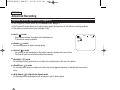
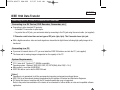
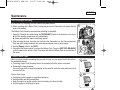
■ <Auto ( A )> : This mode is generally used to control the White Balance automatically.
■ <Indoor (
)> : This controls the White Balance according to the indoor ambience.
- Under halogen or studio/video lighting
- Subject is of one dominant color
- Close up
■ <Outdoor (
)> : This controls the White Balance according to the outdoor ambience.
- In daylight, especially for close up and where the subject is of one dominant color.
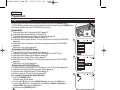
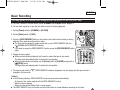
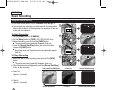
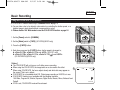
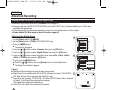
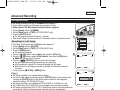
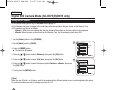
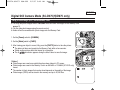
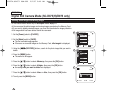
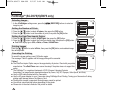
■ <Custom WB ( c )> : You can adjust the white balance as you wish based on the shooting environment.
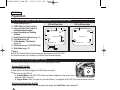
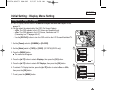
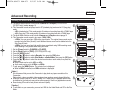
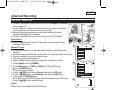
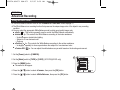
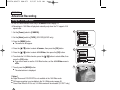
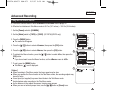
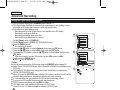
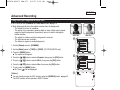
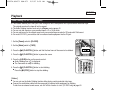
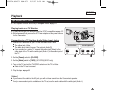
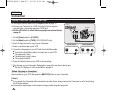
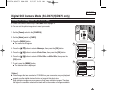
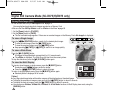
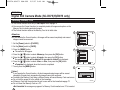
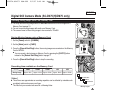
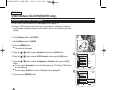
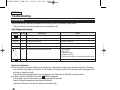
1. Set the [Power] switch to [CAMERA].
2. Set the [Mode] switch to [TAPE] or [CARD]. (SC-D375(H)/D975 only)
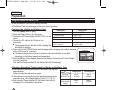
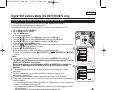
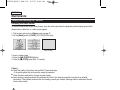
3. Press the [MENU] button.
■ The menu list will appear.
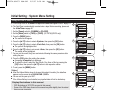
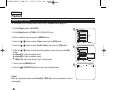
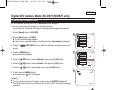
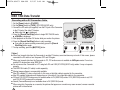
… / †] button to select <Camera>, then press the [OK] button.
4. Press the […
… / †] button to select <White Balance>, then press the [OK] button.
5. Press the […
50
4
Camera Mode
√Camera
Program AE
White Balance
Visual Effect
16:9 Wide
Macro
DIS
√Auto
√Auto
√Off
√On
√Off
√Off
▼
Move
OK
Select
MENU
Exit