1
01227A SCD371 USA~071
2/1/07 9:39 AM
Page 51
ENGLISH
Advanced Recording
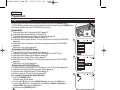
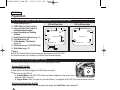
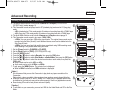
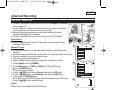
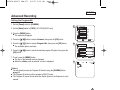
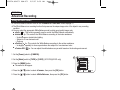
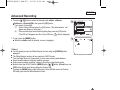
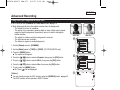
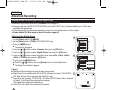
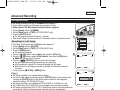
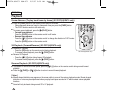
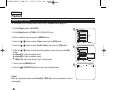
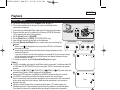
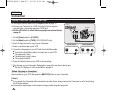
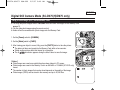
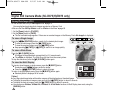
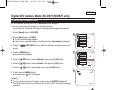
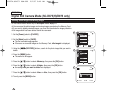
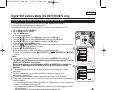
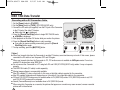
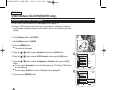
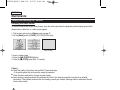
… / †] button to select the desired mode <Auto>, <Indoor>,
6. Press the […
6
<Outdoor> or <Custom WB>, then press the [OK] button.
■ If you select Custom WB:
(1) Select Custom WB and press the [OK] button. (“Set white balance” will
appear and blinks on the screen.)
(2) Place a white object under desired lighting then press the [OK] button.
(The OSD will disappear and the Custom WB icon ( c ) will be displayed.)
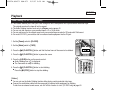
7. To exit, press the [MENU] button.
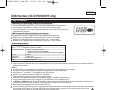
■ When the <Auto> mode is selected, no icon is displayed.
Camera Mode
Back
Program AE
White Balance
Visual Effect
16:9 Wide
Macro
DIS
Auto
Indoor
Outdoor
Custom WB
A
c
▼
Move
7
OK
STBY
1 6 : 9 Wi d e
Select
SP
MENU
Exit
0:00:10
60min
œ
[ Notes ]
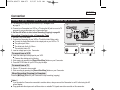
You can directly access the White Balance function using the [Q.MENU] button.
➥page 20
■ The White Balance function will not operate in EASY.Q mode.
■ Turn the Digital Zoom off (if necessary) to set a more accurate white balance.
■ Reset the white balance if lighting conditions change.
■ During normal outdoor recording, setting to Auto may provide better results.
■ Buttons other than EASY.Q button, [MENU] button, […
… / †] button, [Zoom] lever and
[OK] button will not work during setting the Custom WB.
■ Pressing the [MENU] button while setting the Custom WB will cancel the Custom
WB setting and sets the White Balance to Auto.
■
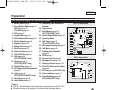
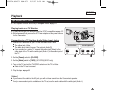
<When the Outdoor option was selected>
51