1
01227A SCD371 USA~071
2/1/07 9:38 AM
Page 44
ENGLISH
Advanced Recording
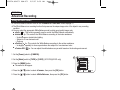
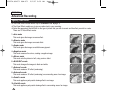
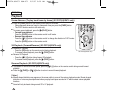
Cutting Off Wind Noise (WindCut Plus)
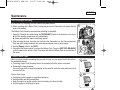
✤ The WindCut Plus function works in both <Camera> and <Player> (Audio dubbing)
modes. ➥page 19
✤ Use the WindCut Plus when recording in windy places such as the beach or near
buildings.
4
✤ The WindCut Plus function minimizes wind or other noises while recording.
- When the WindCut Plus is on, some low pitched tones are eliminated along with the
sound of the wind.
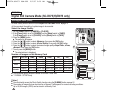
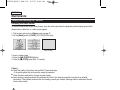
Camera Mode
√Record
Rec Mode
Audio Mode
WindCut Plus
Real Stereo
√SP
√12Bit
√Off
√Off
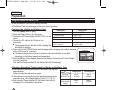
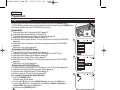
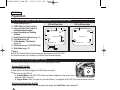
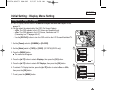
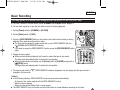
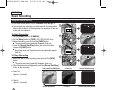
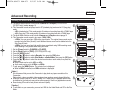
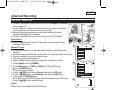
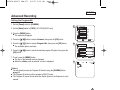
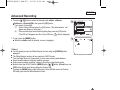
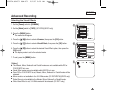
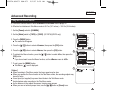
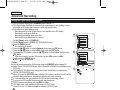
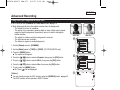
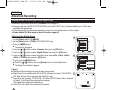
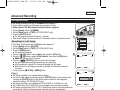
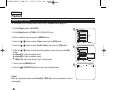
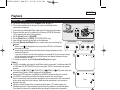
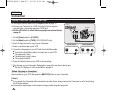
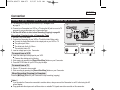
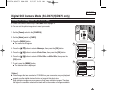
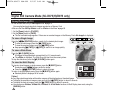
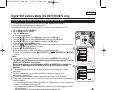
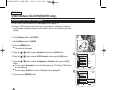
1. Set the [Power] switch to [CAMERA] or [PLAYER].
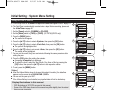
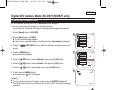
3. Press the [MENU] button.
6
… / †] button to select <Record>, then press the [OK] button.
4. Press the […
… / †] button to select <WindCut Plus>, then press the [OK] button.
5. Press the […
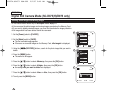
… / †] button to select <On> or
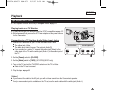
6. To activate the WindCut Plus function, press the […
<Auto> then press the [OK] button.
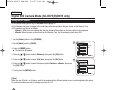
■ <On>: Removes the low pitched wind noise.
■ <Auto>: Minimizes the wind noise while preserving voices.
7. To exit, press the [MENU] button.
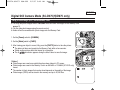
■ WindCut Plus ( <On>
or <Auto>
7
44
OK
STBY
1 6 : 9 Wi d e
[ Notes ]
Make sure WindCut Plus is set to off when you want the microphone to be as sensitive
as possible.
■ WindCut Plus function is not available in USB Streaming mode. (SC-D375(H)/D975 only)
■
Select
Camera Mode
Back
Rec Mode
Audio Mode
WindCut Plus
Real Stereo
Move
) icon is displayed.
OK
MENU
Exit
Off
On
Auto
Select
SP
MENU
Exit
0:00:10
60min
œ
Move
2. Set the [Mode] switch to [TAPE]. (SC-D375(H)/D975 only)