1
Menu Controls
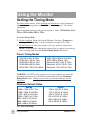
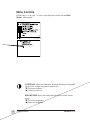
Follow steps 1–5 on page 7 to access and adjust the controls on the Main
Menus shown below.
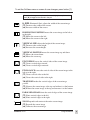
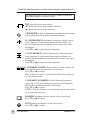
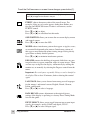
CONTRAST adjusts the difference between the image background
(black level) and the foreground (white level).
[▼] Decreases contrast
[▲ ] Increases contrast.
BRIGHTNESS adjusts the background black level of the screen
image.
[▼] Decreases brightness
[▲] Increases brightness.
8
Using the Monitor
ViewSonic PF77