1
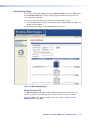
Passwords Page
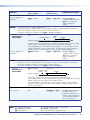
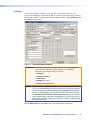
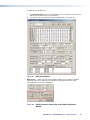
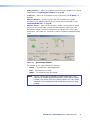
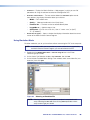
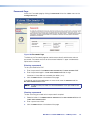
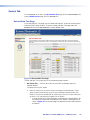
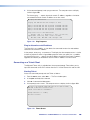
Access the Passwords page by clicking the Passwords link on the sidebar menu on the
Configuration tab.
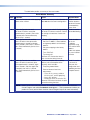
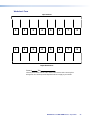
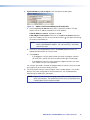
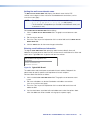
Figure 108.Passwords Page
The fields on the Passwords page are used to enter and verify administrator and user
passwords. Passwords are case-sensitive and are limited to 12 upper- and lowercase
alphanumeric characters.
Entering a password
To set a password for the DXP:
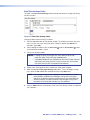
1. Enter the password in the Administrator Password or the User Password field.
2. Enter the password again in the Re-enter Password field to the right.
Characters in these fields are masked by four bullets (••••).
3. Click the Submit button at the bottom of the page.
If you do not want to password-protect an access level, leave the Password and the
Re-enter Password fields blank.
NOTE: An administrator password must be created before a user password can be
created.
Clearing a password
To clear an existing password so that no password is required:
1. Delete the bullets in the Administrator Password or the User Password field and in
the Re-enter Password field.
2. Enter a space in each field.
3. Click the Submit button at the bottom of the page.
DXP DVI Pro and DXP HDMI Series • HTML Operation
111