1
Shared Printer
Language
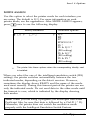
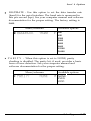
Emulation Switch (ES)
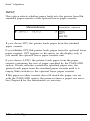
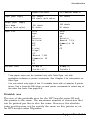
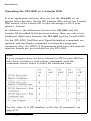
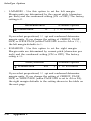
This feature lets you use printer commands to switch directly
between the PostScript and LaserJet III modes.
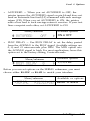
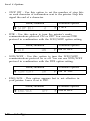
To switch from LJ-3 to I’S mode, send the following:
<ESC> <DEL>
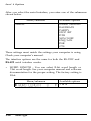
To switch from PS to LJ-3, send the following:
executive, <CR >, [ < LF >]
serverdict begin 0 exitserver, <CR >, [ < LF >]
executive, <CR >, [ < LF >]
statusdict begin, < CR >, [ < LF >]
5 setsoftware io mode
^D
The code in brackets [ ] is not absolutely necessary.
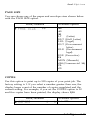
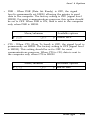
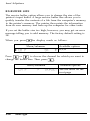
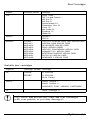
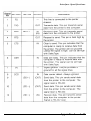
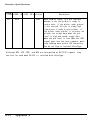
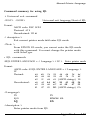
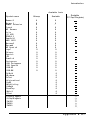
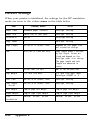
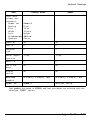
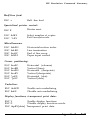
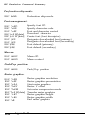
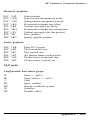
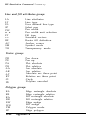
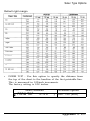
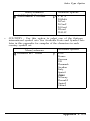
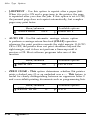
Epson Job Language command summary
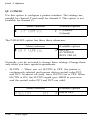
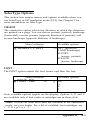
The EJL mode enables your printer to switch to any mode
available. To operate in EJL mode, you need to follow the steps
below.
1.
Exit the current (or default) printer mode and enter EJL mode
with the universal exit command.
2. Send other EJL commands, such as the comment command, to
the printer, if you wish.
3. Send an EJL command to enter a new printer mode from the
EJL mode.
Appendix A
A-19