1
Upgrading system software
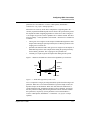
The upgrade procedure
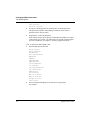
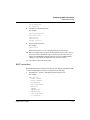
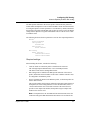
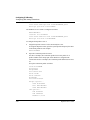
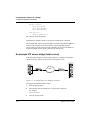
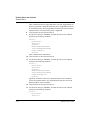
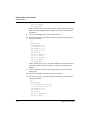
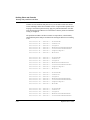
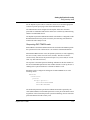
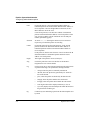
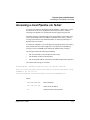
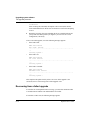
UART initialized
fat load: bad CRC!!
forcing serial download at 57600 bps
please download a "thin" system...
Immediately after this message appears, the serial console speed is switched to
57600 bps, and the Pipeline initiates an Xmodem serial download.
To recover from this error and load the new system, you must load a thin system
that is fat load aware, or an extended-aware system:
1
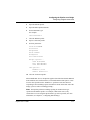
Invoke your Xmodem software to load the thin load through the console
port.
2
After you have finished loading the prerequisite load, reboot the unit.
3
Download the new load using the tloadcode command.
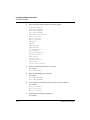
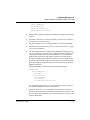
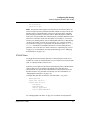
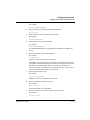
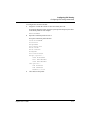
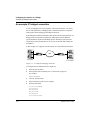
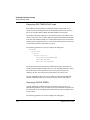
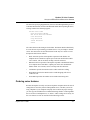
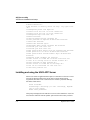
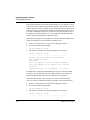
When you download a fat load, messages similar to the following appear on
the diagnostics monitor screen:
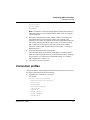
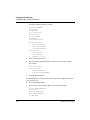
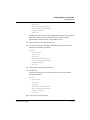
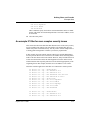
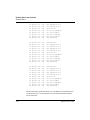
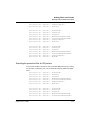
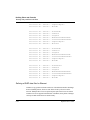
> tload 192.168.100.2 b2.p75
saving config to flash
........................................
loading code from 192.168.100.2:69
file b2.p75..
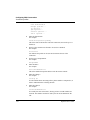
fat load part 1:
........................................................
................
fat load part 2:
..................................................
Note the “fat load part x:” messages. They notify you when the first and
second halves of the fat load are being loaded.
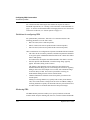
Pipeline checks compatibility of downloaded files
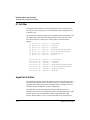
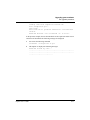
The Pipeline compares the software to be downloaded to the currently loaded
software when performing either a serial or TFTP upgrade. If the platform or
network interface does not match, the Pipeline aborts the download and displays
information about why the abort occurred. (The Pipeline will bypass this check if
you use the TFTP command with the -f flag.)
This feature protects you from unknowingly downloading software that is
incompatible with your Pipeline.
Pipeline User’s Guide
Preliminary January 30, 1998 E-11