1
Configuring WAN Connections
Configuring Frame Relay connections
4
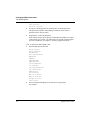
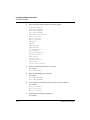
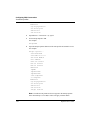
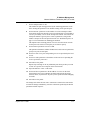
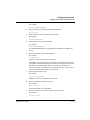
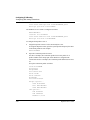
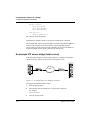
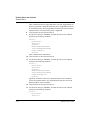
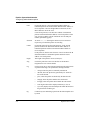
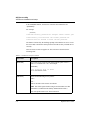
Select Frame Relay encapsulation.
For example:
Encaps=FR
The Pipeline uses this encapsulation method to encapsulate packets before
routing them out to the CPE, and removes the Frame Relay encapsulation
from packets coming in from the CPE.
5
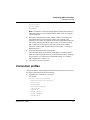
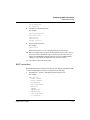
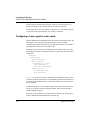
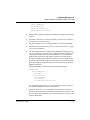
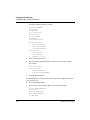
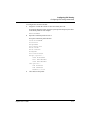
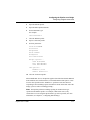
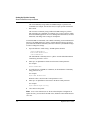
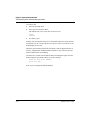
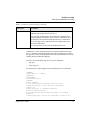
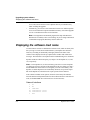
Open the Encaps Options submenu of the same profile.
FR Prof=Pac Bell
DLCI=17
6
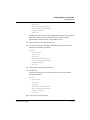
Set the DLCI parameter to the number assigned by the Frame Relay
administrator.
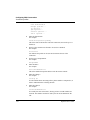
For example:
DLCI=500
The Frame Relay administrator must assign the DLCI number. It determines
how packets will be routed at the Frame Relay switch.
7
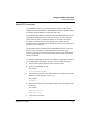
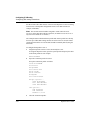
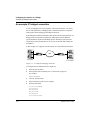
Specify the name of the Frame Relay profile that defines the nailed
connection to the Frame Relay switch.
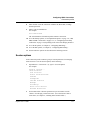
For example:
FR Prof=PacBell
The name must match the Name parameter in the Frame Relay profile
exactly, including case changes.
8
Close and save the profile.
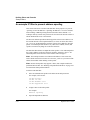
Inverse ARP for Frame Relay
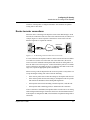
Inverse Address Resolution Protocol (InARP) allows a device to resolve the
protocol address of another device when the hardware address is known. In the
case of Frame Relay the hardware address is the DLCI. The Ascend
implementation of Inverse ARP responds only to Frame Relay and IP Inverse
ARP requests.
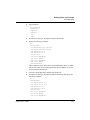
The ARP protocol type for Inverse ARP requests must be IP(0x8000). ARP
hardware address type must be the 2-byte Q.922 address. All other types are
discarded.
1-30 Preliminary January 30, 1998
Pipeline User’s Guide