1
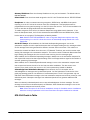
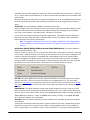
XT30/XT50 Panels (Version 106 or higher):
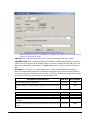
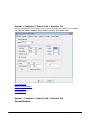
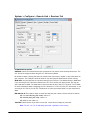
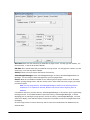
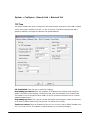
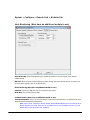
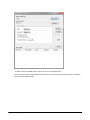
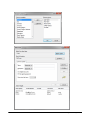
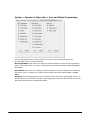
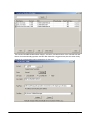
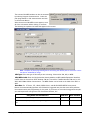
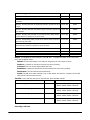
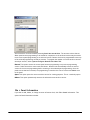
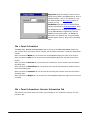
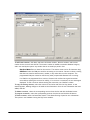
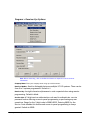
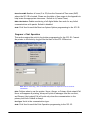
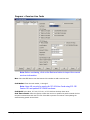
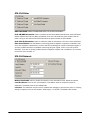
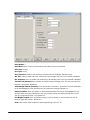
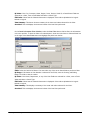
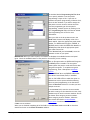
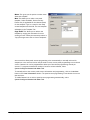
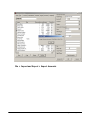
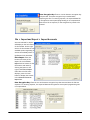
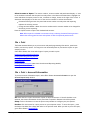
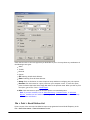
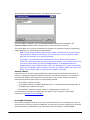
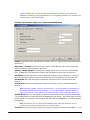
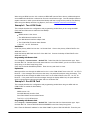
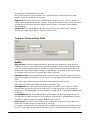
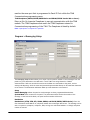
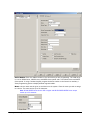
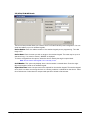
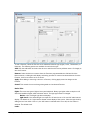
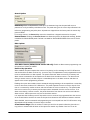
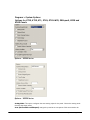
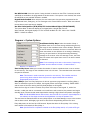
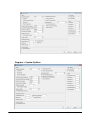
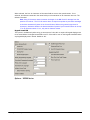
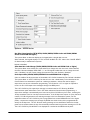
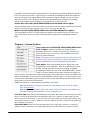
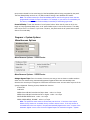
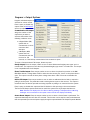
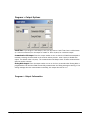
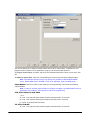
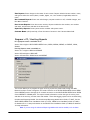
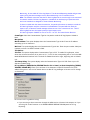
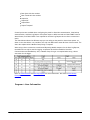
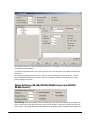
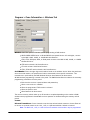
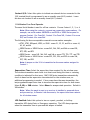
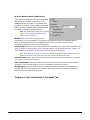
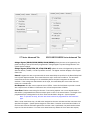
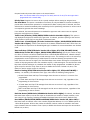
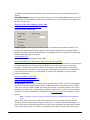
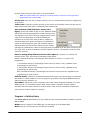
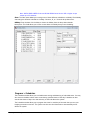
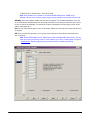
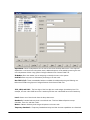
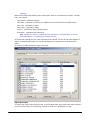
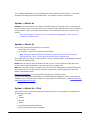
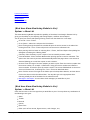
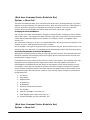
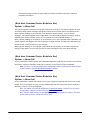
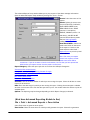
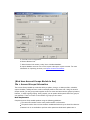
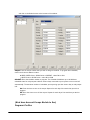
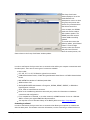
The Device Setup window allows you to define the XT30/XT50 panel configuration.
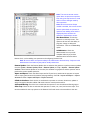
Device Number: Enter the address number of the devices you are adding to the system. The valid
range is 1-8.
Device Name: Enter the name you wish to assign to the device. The name may be up to 16 characters
long.
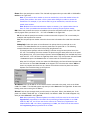
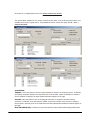
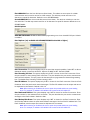
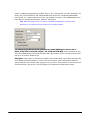
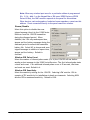
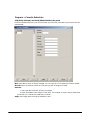
Wireless: Enable to use a wireless keypad for this device number. Disable to use a wired keypad for
this device number. Default is disabled. You may install and address up to four wireless keypads.
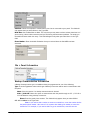
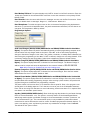
Serial Number: This option only displays when Wireless is selected for this device number. Enter the
eight-digit serial number found on the wireless keypad.
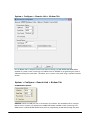
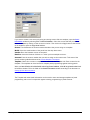
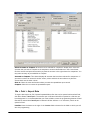
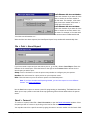
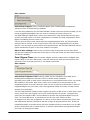
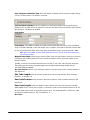
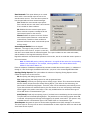
Supervision Time: This option only displays when Wireless is selected for this device number. Select
the supervision time required for the wireless keypad. The wireless keypad must check-in at least
once during this time or a missing condition is indicated for that device. Select 60 or 240 minutes.
Select None for unsupervised operation. Default is 240 minutes.
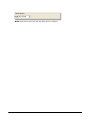
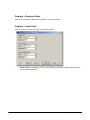
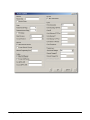
P rogra m > D e vice Se tup> 734 Options T a b
© 2015 Digital Monitoring Products