1
Note: Audio is available in Live monitoring at all times, the audio will only start
recording after the Record Audio option has been enabled.
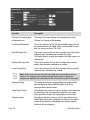
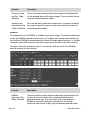
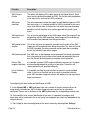
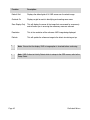
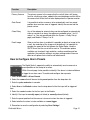
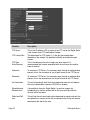
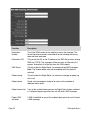
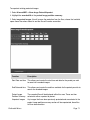
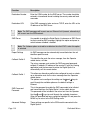
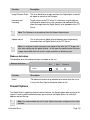
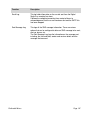
Function
Description
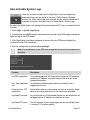
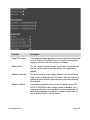
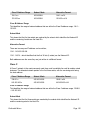
Audio Channel 1
This is the local audio in on the Digital Sprite 2; peripheral audio
equipment can be connected to the unit (such as intercom systems,
microphones and help points) for complete integration. Allocate a title to
the channel which will be saved with the recording.
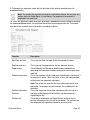
Audio Channel 2
This is the audio from the network, i.e. from an Operator viewing
application, peripheral audio equipment can be connected to the Digital
Sprite 2 (such as speakers), for audio integration. Allocate a title to the
channel which will be saved with the recording.
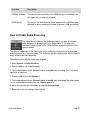
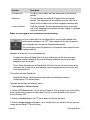
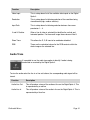
Record Audio
Both the Line in and Line out channels can be enabled for recording this
means that any communication across the audio link can be recorded
alongside the associated video.
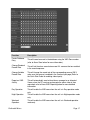
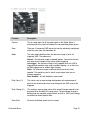
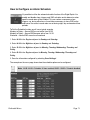
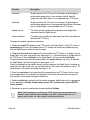
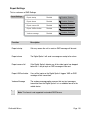
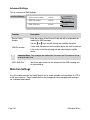
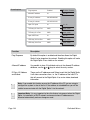
How to Configure the Video Inputs for VMD
The Digital Sprite 2 supports VMD (Video Motion Detection) on all video inputs
and allows cameras to automatically detect if there is any movement/changes
within the video scene.
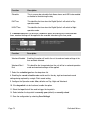
This can then trigger a number of operations such as FTP alarm notification and
increase camera recording rate for the corresponding video input.
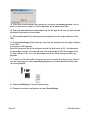
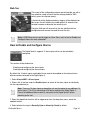
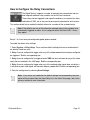
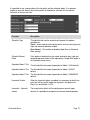
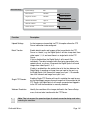
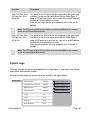
Note: It is recommended that you utilise the Walk test function to ensure the settings
are correct for each input enabled, if the settings are to low this will mean VMD will
not be identified to high and false alarms will occur.
Page 34
Dedicated Micros