1
9.2.3
CPU/Memory+ and I/O+ Board LEDs
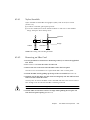
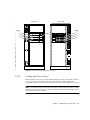
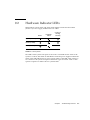
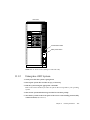
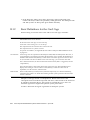
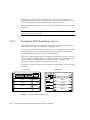
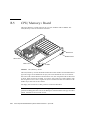
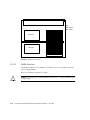
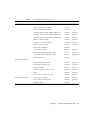
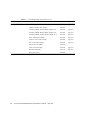
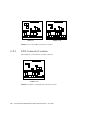
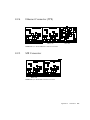
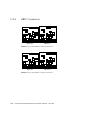
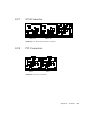
TABLE 9-2 summarizes LED codes for boards. The Power, Service, and Cycling
symbols are marked on the card cage frame above the respective LEDs. Note that
many but not all of the LED codes are the same as the system codes (TABLE 9-1).
TABLE 9-2
Board Status LED Codes
Power
Service
Cycling
Condition
Off
Off
Off
Board has no electrical power.
Off
On
Off
Board is in low-power mode, can be unplugged.
Off
Off
Flashing
Undefined.
Off
On
Flashing
Undefined.
On
Off
Off
System is hanging, either in POST/OBP or OS.
On
Off
On
Hung in OS.
On
On
Off
(Hung in POST/OBP) or (hung in OS and failed
component on board).
On
On
On
(Hung in POST/OBP) or (hung in OS and failed
component on board).
On
Off
Flashing
OS running. System is operating normally.
On
On
Flashing
OS running and failed component on board.
On
Flash
Off
Slow flash = POST. Fast flash = OBP.
On
Flash
On
OS or OBP error.
Note – For boards, Off-On-Off indicates that the board is in low-power mode and is
ready for removal. (For the system, Off-On-Off indicates a failure.)
Caution – If the Power LED is lit, do not remove the board. Removing a board that
is not in low-power mode will damage the board and the system.
Chapter 9
Troubleshooting Overview
9-5