1
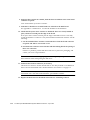
6. Watch the terminal screen for POST error messages.
At the conclusion of testing, POST automatically configures the system, omitting any
devices that have failed diagnostics. After POST ends, the system will boot using the
new configuration.
Note – If the middle front panel LED (yellow) remains lit after the system has
booted, the system has failed POST.
Note – POST does not test drives or internal parts of SBus cards. To test these
devices, run OBP diagnostics manually after the system has booted. Refer to the
OpenBoot Command Reference manual for instructions.
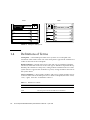
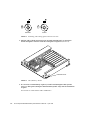
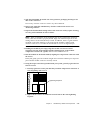
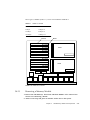
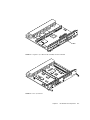
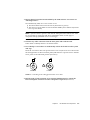
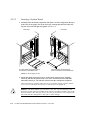
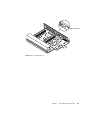
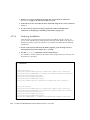
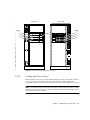
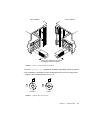
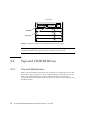
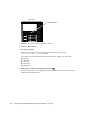
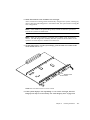
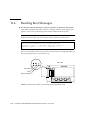
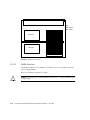
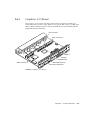
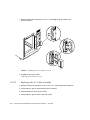
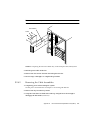
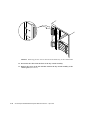
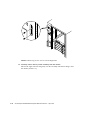
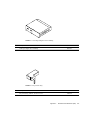
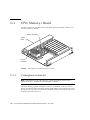
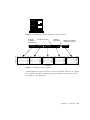
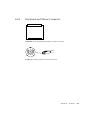
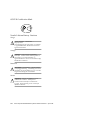
7. To start POST again, or if the system hangs, press the CPU reset switch on the
clock+ board (FIGURE 11-6).
System reset
CPU reset
FIGURE 11-6
CPU Reset Switch on Clock+ Board
8. If the system displays “not responding” or “no carrier” messages, the Link
Integrity Test may be set incorrectly. See “Link Integrity Test” on page 4-19.
Chapter 11
Powering Off and On
11-7