1
Chapter 2
CLI Command Reference
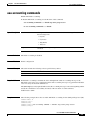
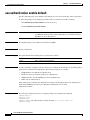
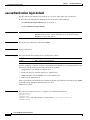
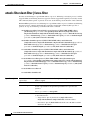
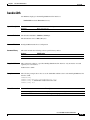
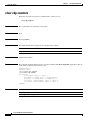
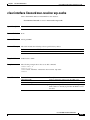
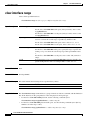
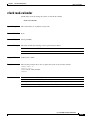
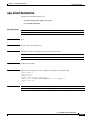
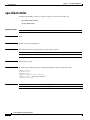
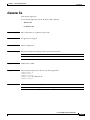
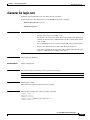
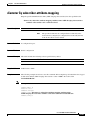
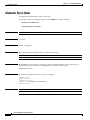
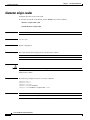
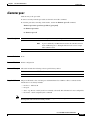
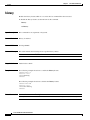
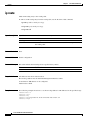
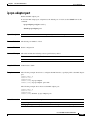
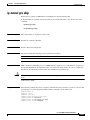
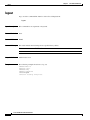
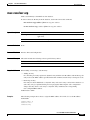
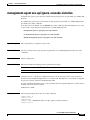
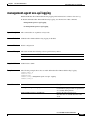
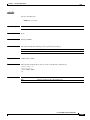
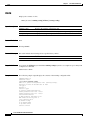
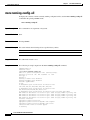
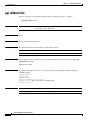
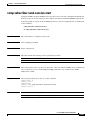
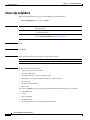
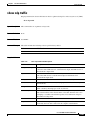
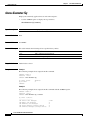
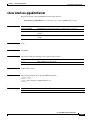
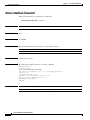
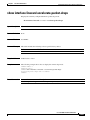
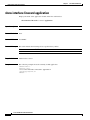
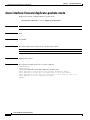
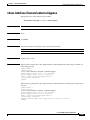
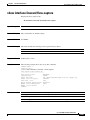
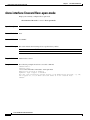
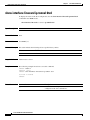
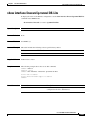
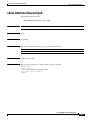
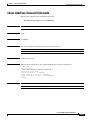
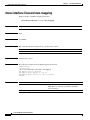
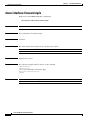
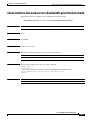
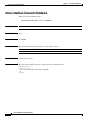
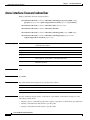
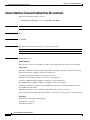
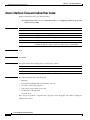
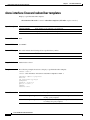
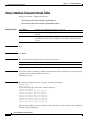
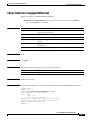
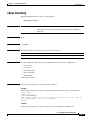
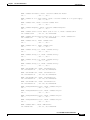
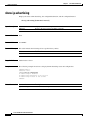
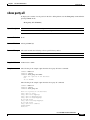
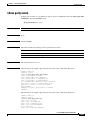
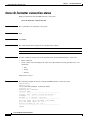
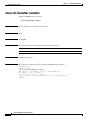
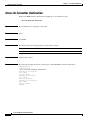
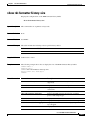
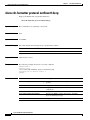
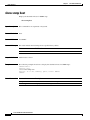
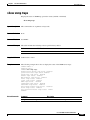
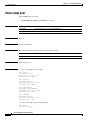
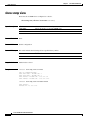
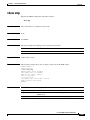
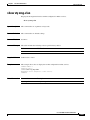
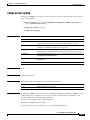
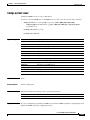
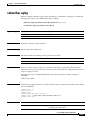
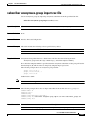
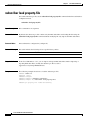
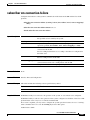
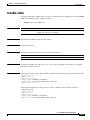
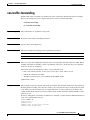
ip-tunnel DS-Lite Extend-IANA
ip-tunnel DS-Lite Extend-IANA
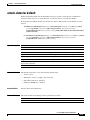
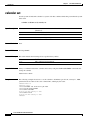
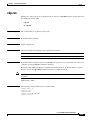
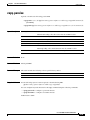
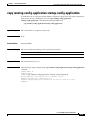
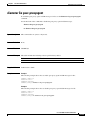
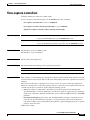
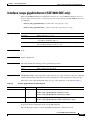
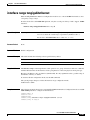
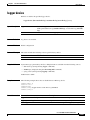
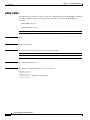
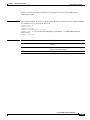
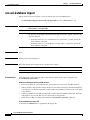
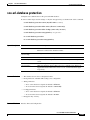
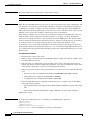
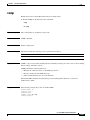
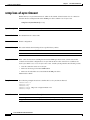
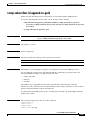
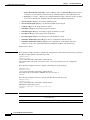
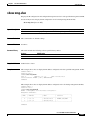
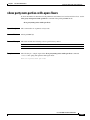
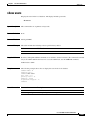
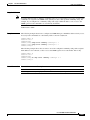
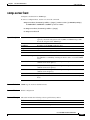
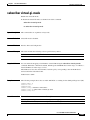
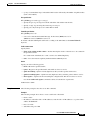
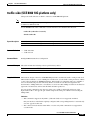
To enable 128 bit hashing for DS-Lite flows, use the ip-tunnel DS-Lite Extend-IANA command in
interface linecard configuration mode.
To disable 128 bit hashing for DS-Lite flows, use the no form of this command.
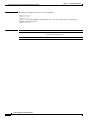
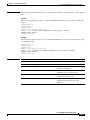
ip-tunnel DS-Lite Extend-IANA
no ip-tunnel DS-Lite Extend-IANA
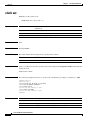
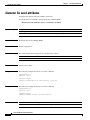
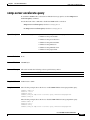
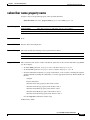
Syntax Description
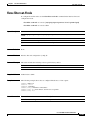
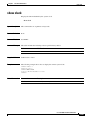
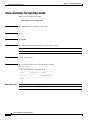
This command has no arguments or keywords.
Command Default
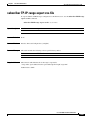
128-bit hashing is disabled.
Command Modes
Interface linecard configuration (config-if)
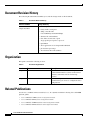
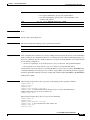
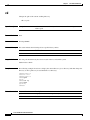
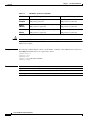
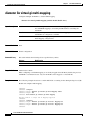
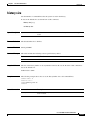
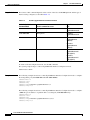
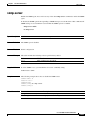
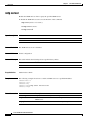
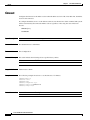
Command History
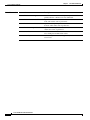
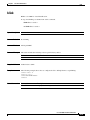
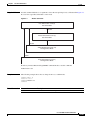
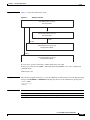
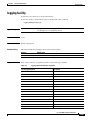
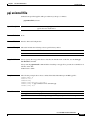
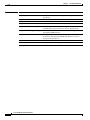
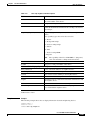
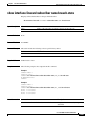
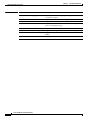
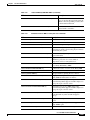
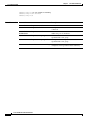
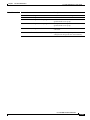
This table includes the following release-specific history entries:
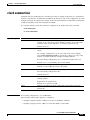
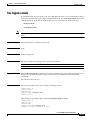
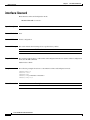
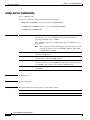
Usage Guidelines
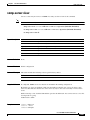
Caution
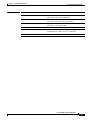
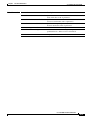
Release
Modification
4.0.0
This command was introduced.
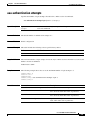
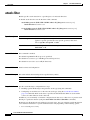
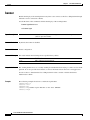
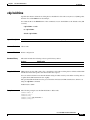
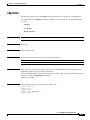
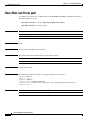
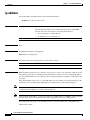
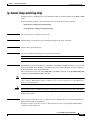
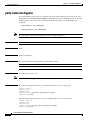
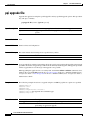
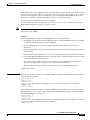
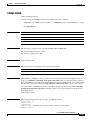
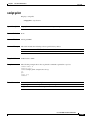
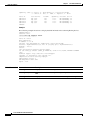
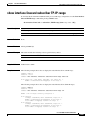
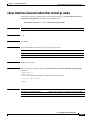
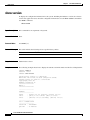
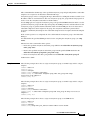
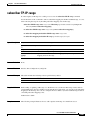
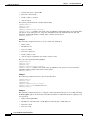
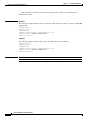
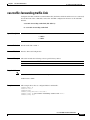
The IPv6 environment should be configured before you can use this command. 128-bit hashing of
DS-LIte flows is significant only if the DS-Lite mode is enabled.
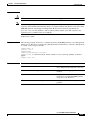
128-bit hashing of DS-Lite flows can be enabled or disabled only when no applications are loaded or the
line card is shut down.
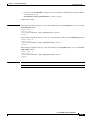
When DS-Lite is enabled, IPv6 traffic is handled by the traffic processor configured for IPv6, as TCP or
UDP. If DS-Lite is disabled, IPv6 traffic is bypassed on the traffic processor configured for IPv6.
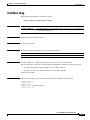
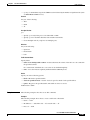
Authorization: admin
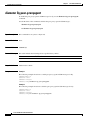
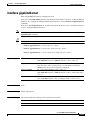
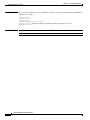
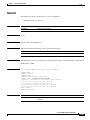
Examples
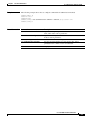
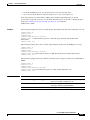
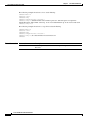
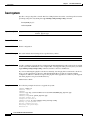
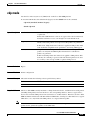
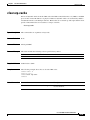
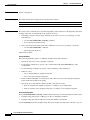
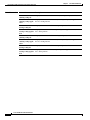
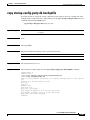
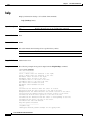
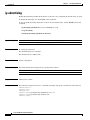
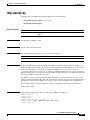
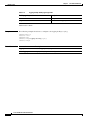
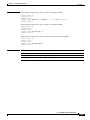
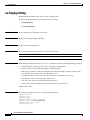
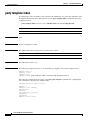
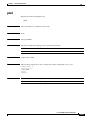
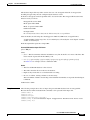
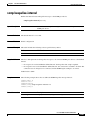
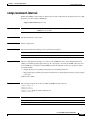
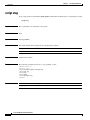
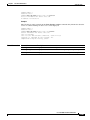
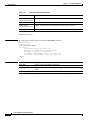
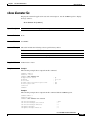
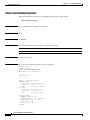
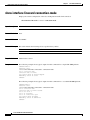
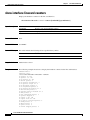
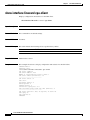
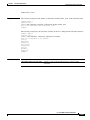
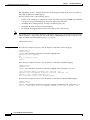
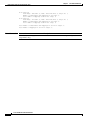
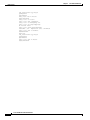
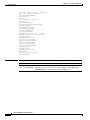
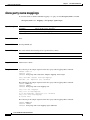
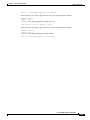
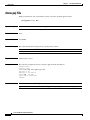
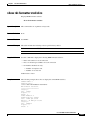
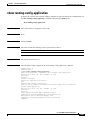
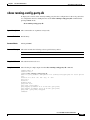
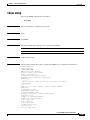
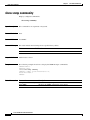
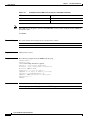
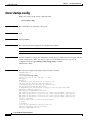
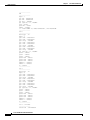
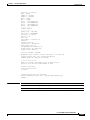
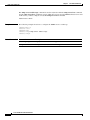
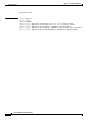
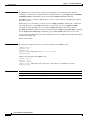
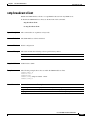
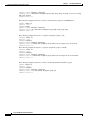
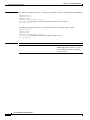
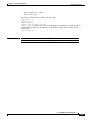
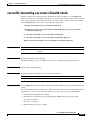
The following example shows how to use this command. Note that you must have root level access to
shut down the line card, even though an admin level access is sufficient to run the DS-Lite command.
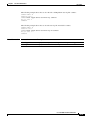
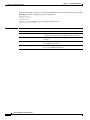
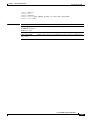
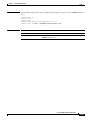
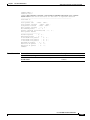
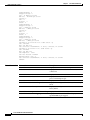
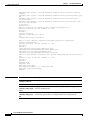
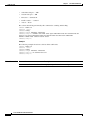
SCE8000> enable 15
Password: <cisco>
SCE8000#> configure
SCE8000(config)#> interface linecard 0
SCE8000(config if)#> shutdown
SCE8000(config if)#> ip-tunnel DS-Lite
SCE8000(config if)#> ip-tunnel DS-Lite Extend-IANA
SCE8000(config if)#> no shutdown
Cisco SCE 8000 CLI Command Reference
2-221