1
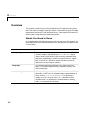
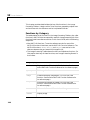
Image Types and Type Conversions
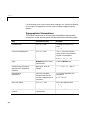
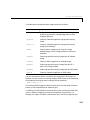
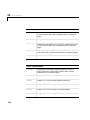
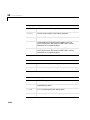
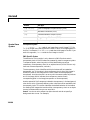
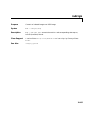
dither
Convert image using dithering
double
Convert data to double precision. (This is a MATLAB
function. See the online MATLAB Function Reference for
its reference page.)
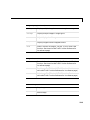
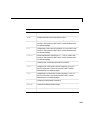
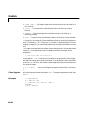
gray2ind
Convert intensity image to indexed image
grayslice
Create indexed image from intensity image by thresholding
im2bw
Convert image to binary image by thresholding
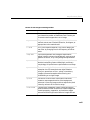
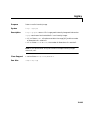
im2double
Convert image array to double precision
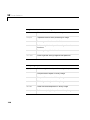
im2uint16
Convert image array to 16-bit unsigned integers
im2uint8
Convert image array to 8-bit unsigned integers
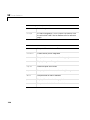
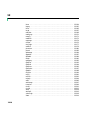
ind2gray
Convert indexed image to intensity image
ind2rgb
Convert indexed image to RGB image
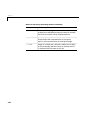
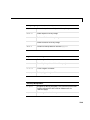
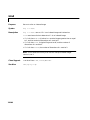
isbw
Return true for binary image
isgray
Return true for intensity image
isind
Return true for indexed image
isrgb
Return true for RGB image
12-11