1
imwrite
Purpose
12imwrite
Write image to graphics file
Syntax
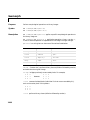
imwrite(A,filename,fmt)
imwrite(X,map,filename,fmt)
imwrite(...,filename)
imwrite(...,Param1,Val1,Param2,Val2...)
Description
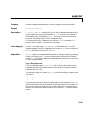
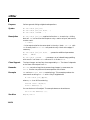
imwrite(A,filename,fmt) writes the image in A to filename in the format
specified by fmt. A can be either a grayscale image (M-by-N) or a truecolor
image (M-by-N-by-3). If A is of class uint8 or uint16, imwrite writes the
actual values in the array to the file. If A is of class double, imwrite rescales
the values in the array before writing, using uint8(round(255*A)). This
operation converts the floating-point numbers in the range [0,1] to 8-bit
integers in the range [0,255].
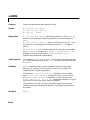
imwrite(X,map,filename,fmt) writes the indexed image in X and its
associated colormap map to filename in the format specified by fmt. If X is of
class uint8 or uint16, imwrite writes the actual values in the array to the
file. If X is of class double, imwrite offsets the values in the array before writing
using uint8(X–1). (See note below for an exception.) map must be a valid
MATLAB colormap of class double; imwrite rescales the values in map using
uint8(round(255*map)). Note that most image file formats do not support
colormaps with more than 256 entries.
Note If the image is double, and you specify PNG as the output format and a
bit depth of 16 bpp, the values in the array will be offset using uint16(X-1).
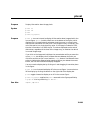
imwrite(...,filename) writes the image to filename, inferring the format to
use from the filename’s extension. The extension must be one of the legal
values for fmt.
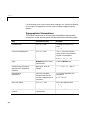
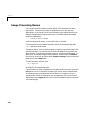
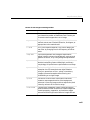
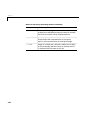
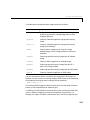
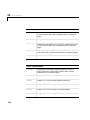
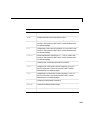
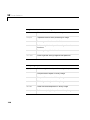
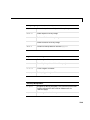
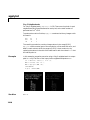
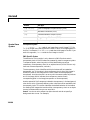
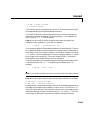
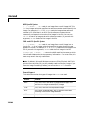
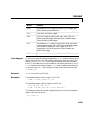
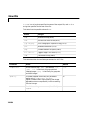
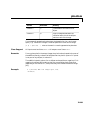
imwrite(...,Param1,Val1,Param2,Val2...) specifies parameters that
control various characteristics of the output file. Parameter settings can
currently be made for HDF, PNG, JPEG, and TIFF files. For example, if you
are writing a JPEG file, you can set the “quality” of the JPEG compression. For
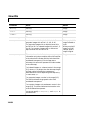
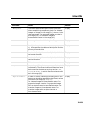
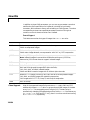
the lists of parameters available for each format, see the tables below.
12-149