1
phantom
Purpose
12phantom
Generate a head phantom image
Syntax
P = phantom(def,n)
P = phantom(E,n)
[P,E] = phantom(...)
Description
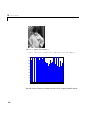
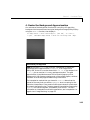
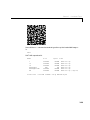
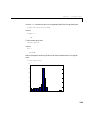
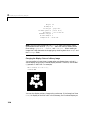
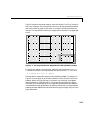
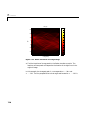
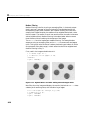
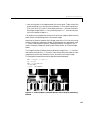
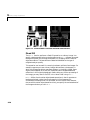
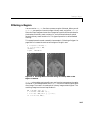
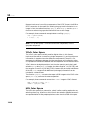
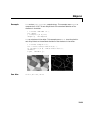
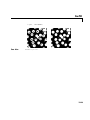
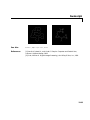
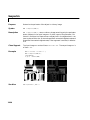
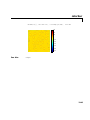
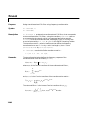
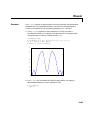
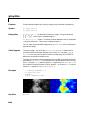
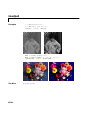
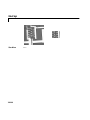
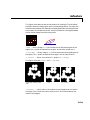
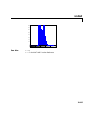
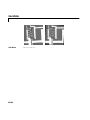
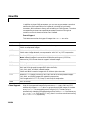
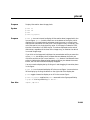
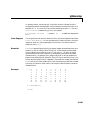
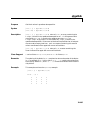
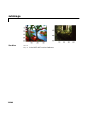
P = phantom(def,n) generates an image of a head phantom that can be used
to test the numerical accuracy of radon and iradon or other two-dimensional
reconstruction algorithms. P is a grayscale intensity image that consists of one
large ellipse (representing the brain) containing several smaller ellipses
(representing features in the brain).
def is a string that specifies the type of head phantom to generate. Valid values
are:
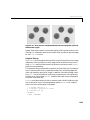
• 'Shepp-Logan' – a test image used widely by researchers in tomography.
• 'Modified Shepp-Logan' (default) – a variant of the Shepp-Logan phantom
in which the contrast is improved for better visual perception.
n is a scalar that specifies the number of rows and columns in P. If you omit the
argument, n defaults to 256.
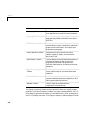
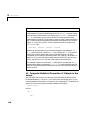
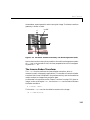
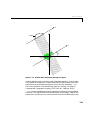
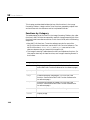
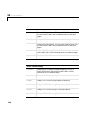
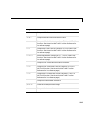
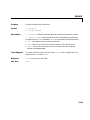
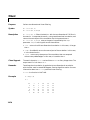
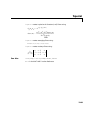
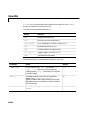
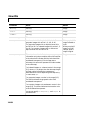
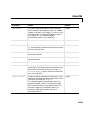
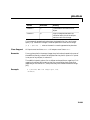
P = phantom(E,n) generates a user-defined phantom, where each row of the
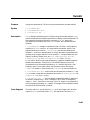
matrix E specifies an ellipse in the image. E has six columns, with each column
containing a different parameter for the ellipses. This table describes the
columns of the matrix.
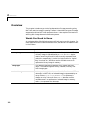
12-180
Column
Parameter
Meaning
Column 1
A
Additive intensity value of the
ellipse
Column 2
a
Length of the horizontal semi-axis of
the ellipse
Column 3
b
Length of the vertical semi-axis of
the ellipse
Column 4
x0
x-coordinate of the center of the
ellipse