1
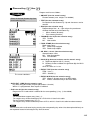
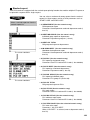
Multiplication entries
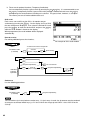
Use this feature when you need to enter two or more of the same items.
This feature helps you when you sell large quantities of items or need to enter quantities that contain
decimals.
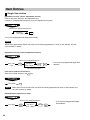
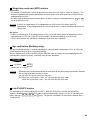
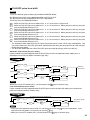
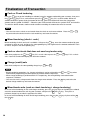
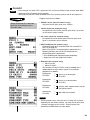
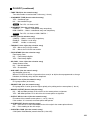
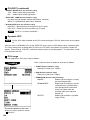
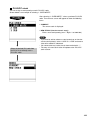
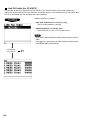
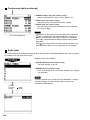
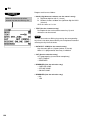
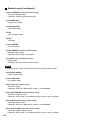
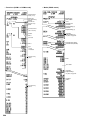
FF method (for quick multiplication of direct PLUs)
Q’ty
Direct PLU
PLU entry (direct)
• The FF (fast food) method cannot be used for a COUPON-LIKE PLU entry.
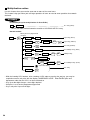
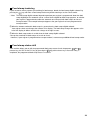
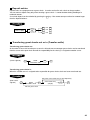
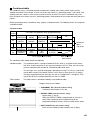
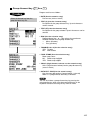
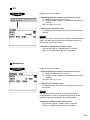
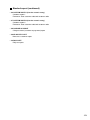
Normal method
When you use a programmed
unit price
Q'ty
@
FOR
Unit price
Dept.
Dept. code
DEPT
#
PLU code
PLU/
SUB
Dept. entry (direct)
Unit price
or
AMT
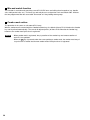
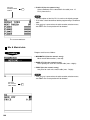
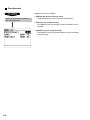
Dept. entry (indirect)
PLU entry (indirect)
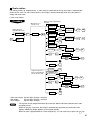
Unit price
Direct PLU
PLU code
PLU/
SUB
PLU thru PLU
MENU50
MENU1
ENTER
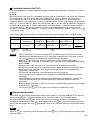
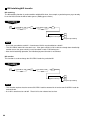
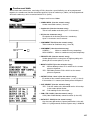
PLU/subdept. entry (direct)
Unit price
ENTER
or
AMT
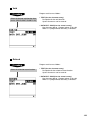
Subdept. entry
ENTER
PLU/subdept. entry (menu)
Item selection
ENTER
Unit price
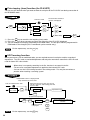
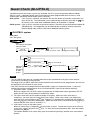
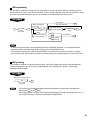
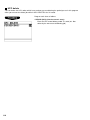
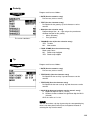
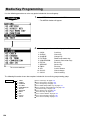
Scan UPC code
UPC entry
UPC code
PLU/
SUB
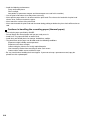
• With the learning UPC function, after scanning a UPC code or pressing the PLU/
SUB key, you may be
required to enter a unit price with the display “UNDEFINED CODE”. Enter the unit price and
department code that the UPC is to be associated to.
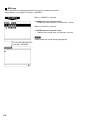
• Q’ty: Up to four digits integer + three digits decimal
• Unit price: Less than the programmed upper limit
• Q’ty x unit price: Up to seven digits
24