1
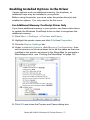
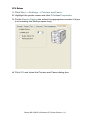
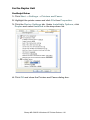
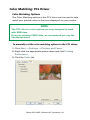
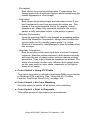
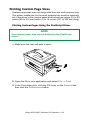
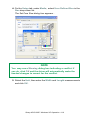
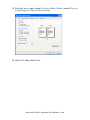
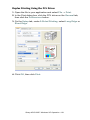
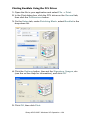
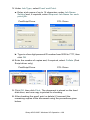
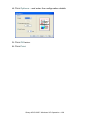
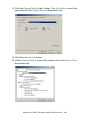
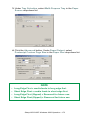
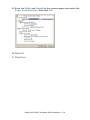
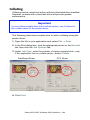
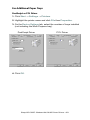
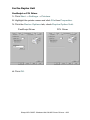
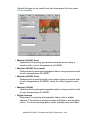
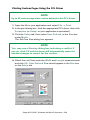
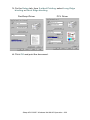
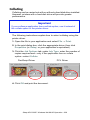
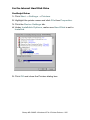
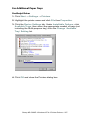
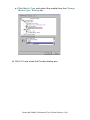
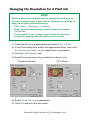
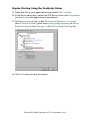
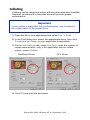
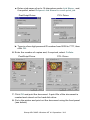
5. On the Job Options tab, under Job Type, select Proof and
Print.
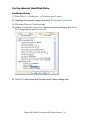
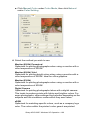
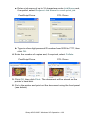
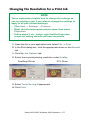
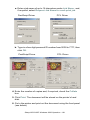
a. Enter a job name of up to 16 characters under Job Name
Setting and, if required, select Request Job Name for each
print job.
PostScript Driver
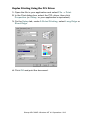
PCL Driver
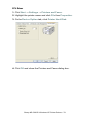
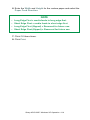
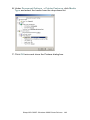
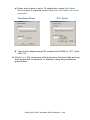
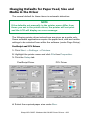
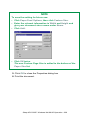
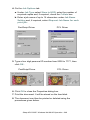
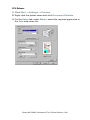
b. Type in a four digit personal ID number from 0000 to 7777, then
click OK.
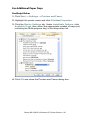
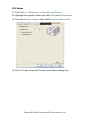
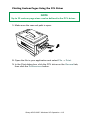
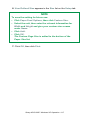
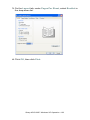
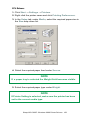
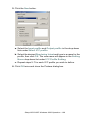
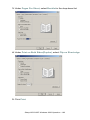
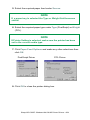
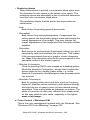
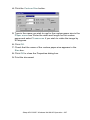
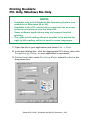
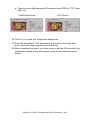
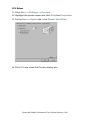
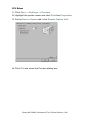
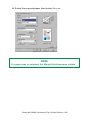
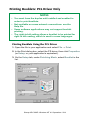
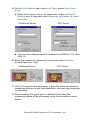
6. Enter the number of copies and, if required, select Collate
(PostScript driver only).
PostScript Driver
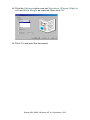
PCL Driver
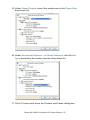
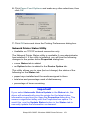
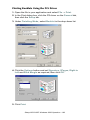
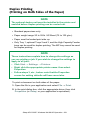
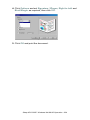
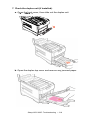
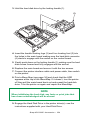
7. Click OK and print the document. A print file of the document is
created and stored on the hard disk drive, and one copy is printed
for checking.
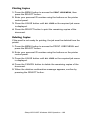
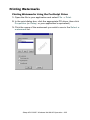
8. After checking the proof, print or delete (if incorrect) the
remaining copies of the document using the procedures given
below.
Sharp AR-C200P: Windows NT 4.0 Operation • 300