1
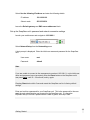
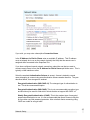
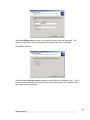
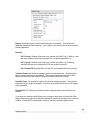
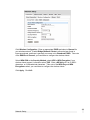
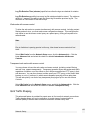
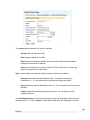
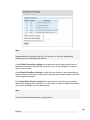
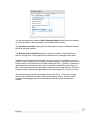
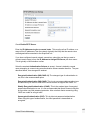
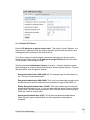
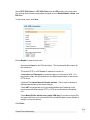
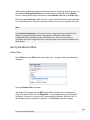
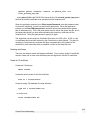
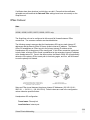
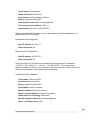
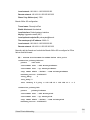
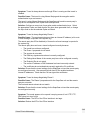
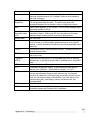
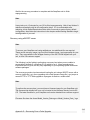
Region: Select the region in which the access point is operating. This restricts the
allowable frequencies and channels. If your region is not listed, select a region that has
similar regulations.
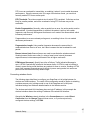
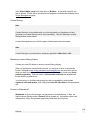
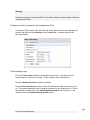
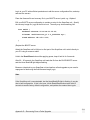
Protocol:
802.11b only: Wireless clients can only connect using 802.11b (11 Mbit/s). Note
that most wireless clients which support 802.11g also support 802.11b.
802.11g only: Wireless clients can only connect using 802.11g (54 Mbit/s).
Wireless clients that only support 802.11b are unable to connect.
802.11b and 802.11g: Both 802.11b and 802.11g wireless clients can connect.
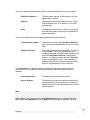
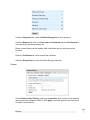
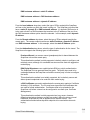
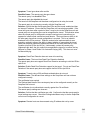
Transmit Power (%): Select the transmit power for the access point. Decreasing the
power reduces the range of the network. This reduces interference caused to other
nearby access points, and limits the range from which clients can connect.
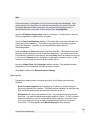
Preamble Type: The preamble is part of the physical wireless protocol. Using a short
preamble can give higher throughput. However, some wireless clients may not support
short preambles.
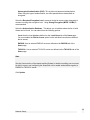
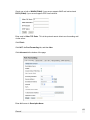
Enable RTS: RTS (Request to Send) is used to negotiate when wireless clients can
transmit.
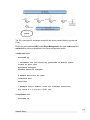
If you have two wireless clients that are out of range of each other, but both still within
range of the access point, they may both attempt to transmit at the same time, causing a
collision. Enabling RTS avoids these collisions, and thus increases performance.
86
Network Setup