1
BJC-55.book Page 264 Tuesday, August 15, 2000 2:08 AM
Problems and Solutions
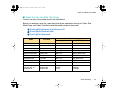
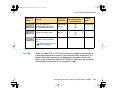
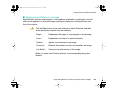
■ Printout is not clear or has white streaks
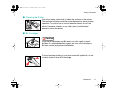
Low ink could cause faded characters and white lines to appear on the printout.
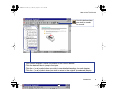
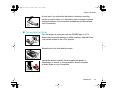
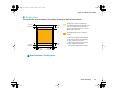
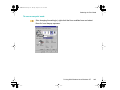
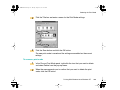
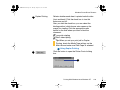
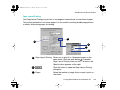
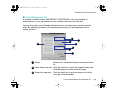
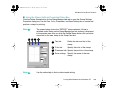
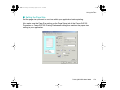
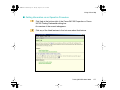
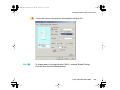
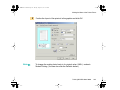
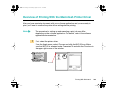
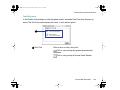
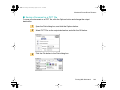
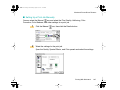
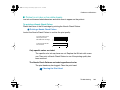
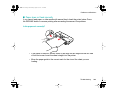
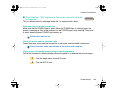
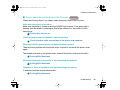
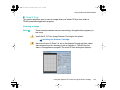
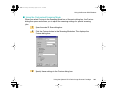
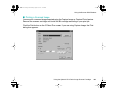
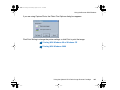
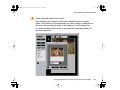
Try printing a Nozzle Check Pattern
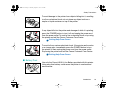
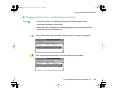
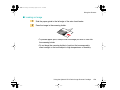
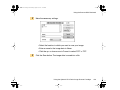
Check the status of the BJ cartridge by printing the Nozzle Check Pattern.
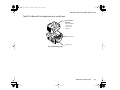
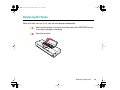
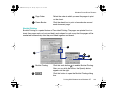
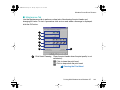
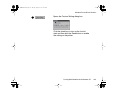
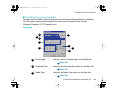
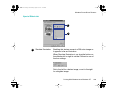
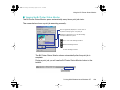
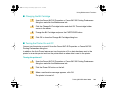
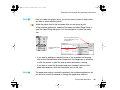
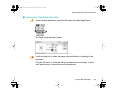
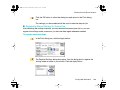
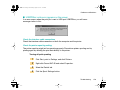
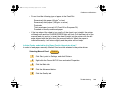
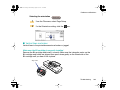
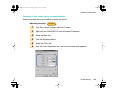
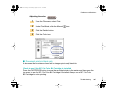
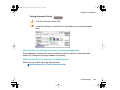
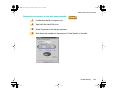
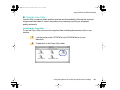
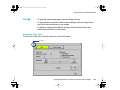
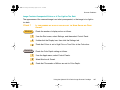
Printing a Nozzle Check Pattern
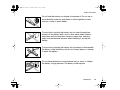
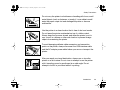
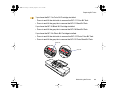
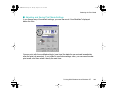
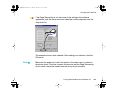
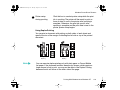
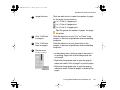
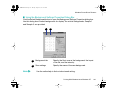
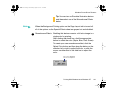
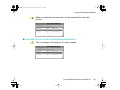
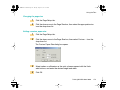
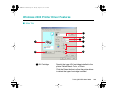
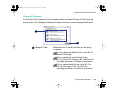
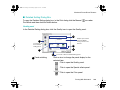
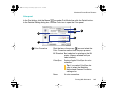
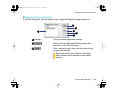
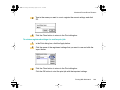
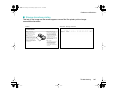
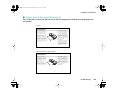
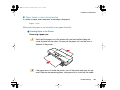
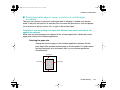
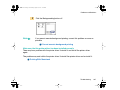
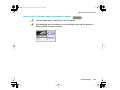
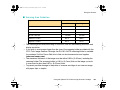
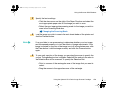
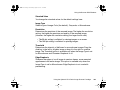
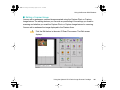
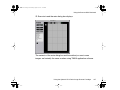
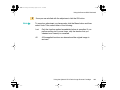
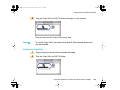
Look at the Nozzle Check Pattern to confirm the print quality.
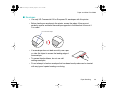
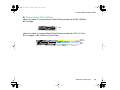
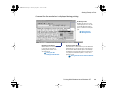
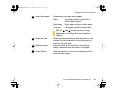
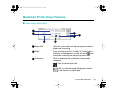
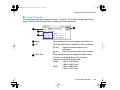
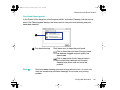
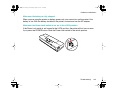
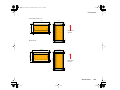
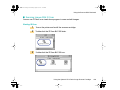
A normal Nozzle Check
Pattern printed with
BC-10 Black BJ Cartridge
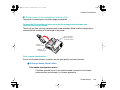
A faded, broken Nozzle
Check Pattern
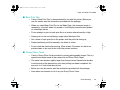
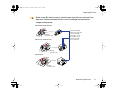
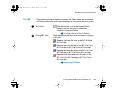
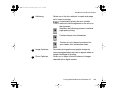
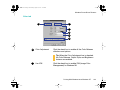
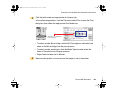
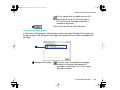
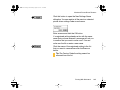
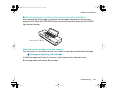
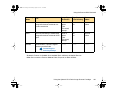
Only specific colors are faded
The specific color ink may have run out. Replace the BJ tank with a new
one. Then print a Nozzle Check Pattern to see if the printing quality has
been restored.
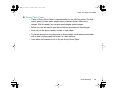
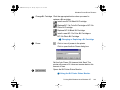
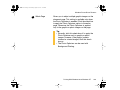
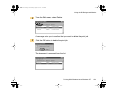
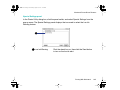
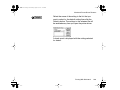
The Nozzle Check Patterns are faded regardless of color
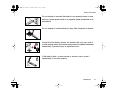
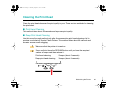
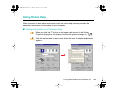
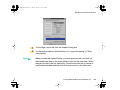
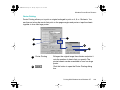
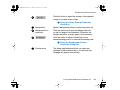
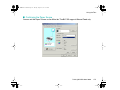
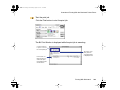
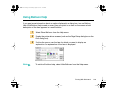
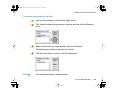
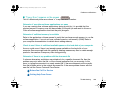
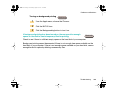
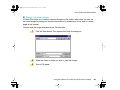
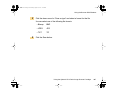
The print head may be clogged. Clean the print head.
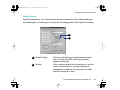
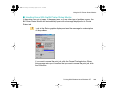
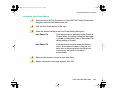
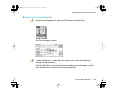
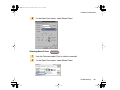
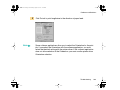
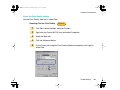
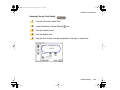
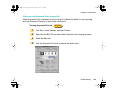
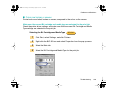
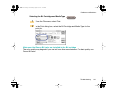
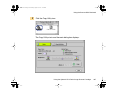
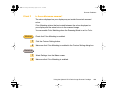
Cleaning the Print Head
Troubleshooting
264