1
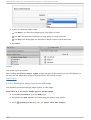
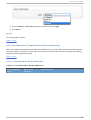
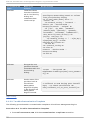
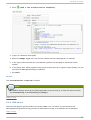
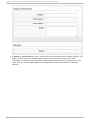
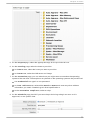
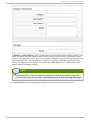
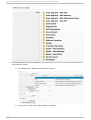
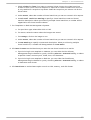
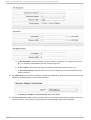
Chapt er 6 . Host s 6 .1 .2 .1 . Adding an ISO Dat ast o re The following procedure adds an ISO D atastore from your Red Hat Enterprise Virtualization environment. Pro ced u re 6 .4 . T o ad d an ISO d at ast o re 1. From Infrastructure, P XE, click the ISO D atasto res accordion. 2. Click (C o nfi g urati o n), (Ad d a new ISO D atasto re). 3. Select the Red Hat Enterprise Virtualization Manager Management System hosting the ISO D atastore. 4. Click Save. R esu lt : The ISO datastore is added to CloudForms Management Engine. Report a bug 6 .1 .2 .2 . Re fre shing an ISO Dat ast o re The following procedure refreshes the chosen ISO datastore and updates CloudForms Management Engine with available ISOs. Pro ced u re 6 .5. T o ref resh t h e ISO D at ast o re 1. From Infrastructure, P XE, click the ISO D atasto res accordion. 2. Select the ISO D atastore. 3. Click (C o nfi g urati o n) 4. And then click (R efresh). R esu lt : The ISO datastore refreshes and updates the available ISOs. Report a bug 6 .1 .2 .3. Cre at ing Syst e m Im age T ype s fo r ISO The following procedure creates a system image type for ISO Servers. Pro ced u re 6 .6 . T o creat e Syst em Imag e T yp es 1. From Infrastructure, P XE, click the System Imag e T ypes accordion. 2. Click C o nfi g urati o n, then (Ad d a new System Imag e T ype). 27