1
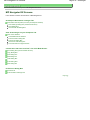
What Is MP Navigator EX (Supplied Scanner Software)?
Sayfa 21 / 268 sayfa
On-Screen Manual > Scanning Guide > What Is MP Navigator EX (Supplied Scanner Software)?
What Is MP Navigator EX (Supplied Scanner Software)?
MP Navigator EX is an application that enables you to easily scan photos and documents. It is suitable
even for beginners.
What You Can Do with this Software
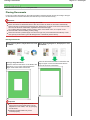
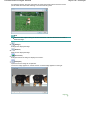
This software allows you to scan multiple documents at one time, or scan images larger than the Platen.
You can also save scanned images, attach them to e-mail or print them using the supplied applications.
Screens
Main Menus
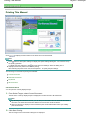
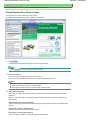
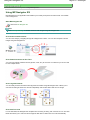
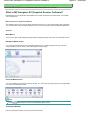
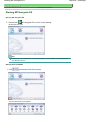
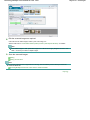
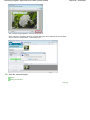
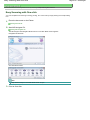
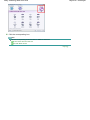
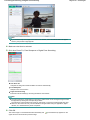
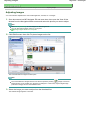
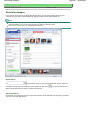
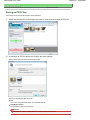
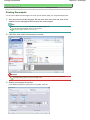
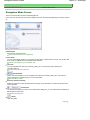
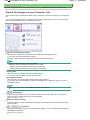
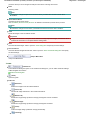
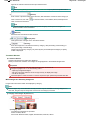
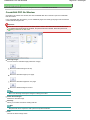
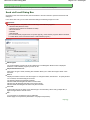
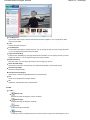
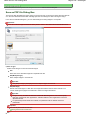
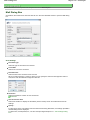
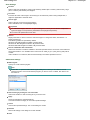
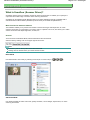
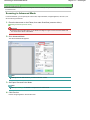
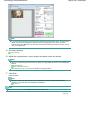
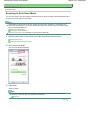
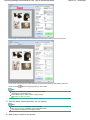
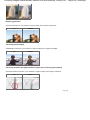
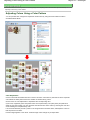
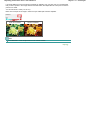
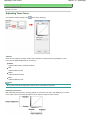
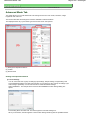
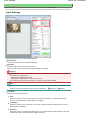
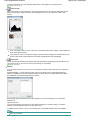
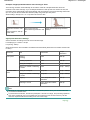
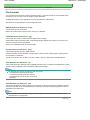
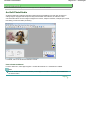
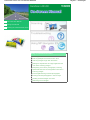
There are two types of MP Navigator EX Main Menu: Navigation Mode screen and One-click Mode screen.
Navigation Mode Screen
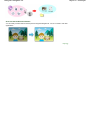
You can start various tasks from the Navigation Mode screen, including simple scanning, scanning
using ScanGear (scanner driver), and enhancing/correcting images.
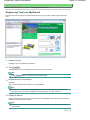
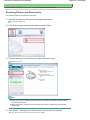
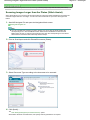
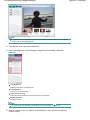
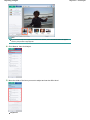
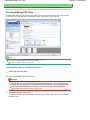
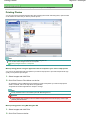
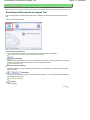
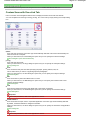
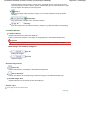
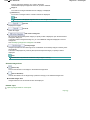
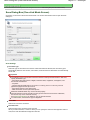
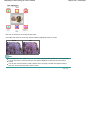
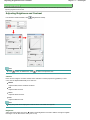
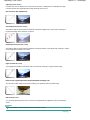
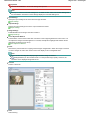
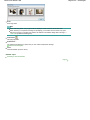
One-click Mode Screen
You can complete from scanning to saving, printing, etc. at one time by simply clicking the corresponding
icon in the One-click Mode screen.
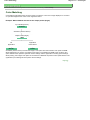
Note
Click
(Switch Mode) to switch to the Navigation Mode screen.
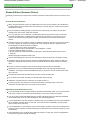
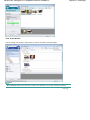
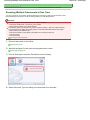
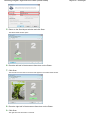
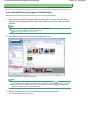
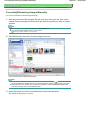
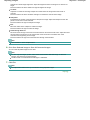
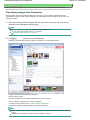
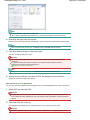
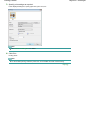
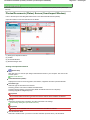
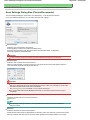
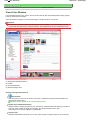
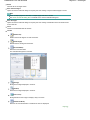
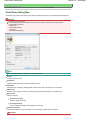
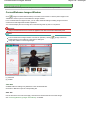
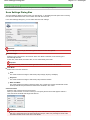
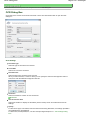
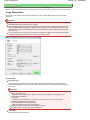
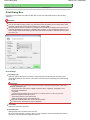
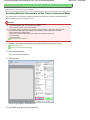
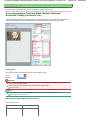
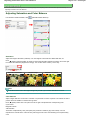
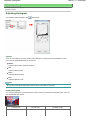
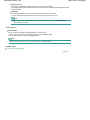
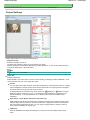
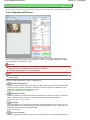
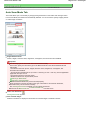
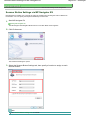
Scan/Import Window
Use the Scan/Import window to scan photos and documents.