1
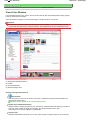
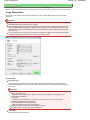
View Use Window
Sayfa 95 / 268 sayfa
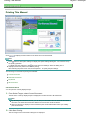
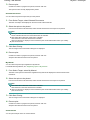
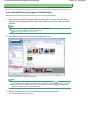
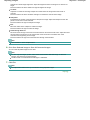
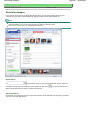
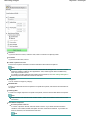
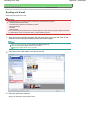
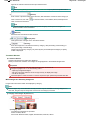
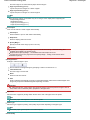
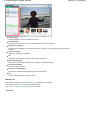
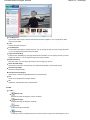
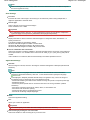
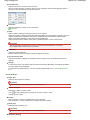
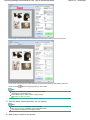
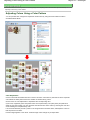
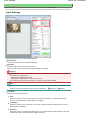
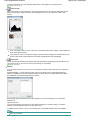
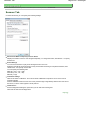
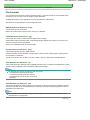
Custom categories: Displays your custom categories.
Unclassified: Displays images that have not yet been classified.
Image: N
The number of images classified into the category is displayed.
(Selected: n)
The number of images with the checkbox selected is displayed.
Note
This portion is displayed only when one or more images are selected.
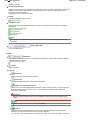
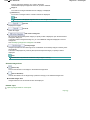
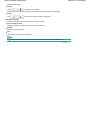
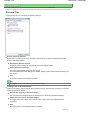
Open All
Displays all images.
Close All
Hides all images.
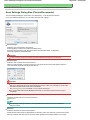
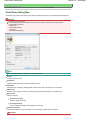
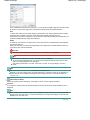
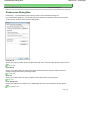
Edit Custom Categories
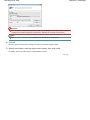
When My Box (Scanned/Imported Images) or Specify Folder is displayed, open the Edit Custom
Categories dialog box.
In the Edit Custom Categories dialog box, you can add/delete categories displayed in Custom
Categories.
See "Classifying Images into Categories " for details.
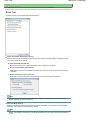
Classify Images
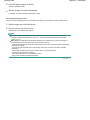
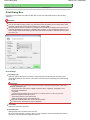
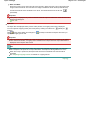
Images imported from hard disks appear in Unclassified. Click Classify Images to classify them
automatically.
This button is displayed only when My Box (Scanned/Imported Images) or Specify Folder is
displayed.
Note
Classification may take time if there are many images to classify.
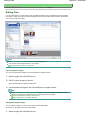
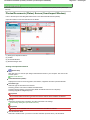
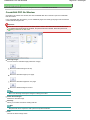
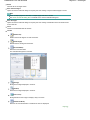
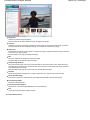
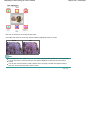
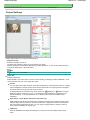
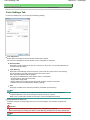
Selected Images Area
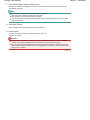
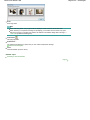
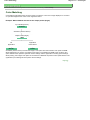
(Cancel All)
Cancels the selection of all images in the Selected Images area.
(Cancel Selection)
Cancels the selection of the target image (outlined in orange) in the Selected Images area.
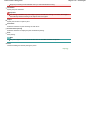
Selected Images Area
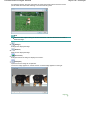
Images selected in the Thumbnail window are displayed.
Related Topic
Opening Images Saved on a Computer
Page top