1
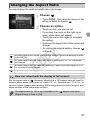
Changing the AF Frame Mode
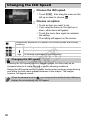
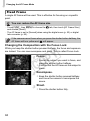
Fixed Frame
A single AF frame will be used. This is effective for focusing on a specific
point.
You can reduce the AF frame size
• Touch H, then n to choose the 4 tab, then touch [AF Frame Size]
and choose [Small].
• The AF frame is set to [Normal] when using the digital zoom (p. 53) or digital
tele-converter (p. 92).
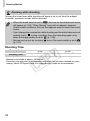
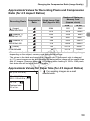
If the camera cannot focus when you press the shutter button halfway, the
AF frame will turn yellow and
will appear.
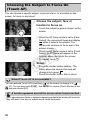
Changing the Composition with the Focus Lock
While you keep the shutter button pressed halfway, the focus and exposure
are locked. You can now recompose and shoot. This is called Focus Lock.
Y
P
O
Focus.
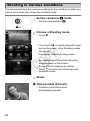
z Center the subject you want in focus, and
C
press the shutter button halfway.
z Confirm that the AF frame on the subject is
green.
Recompose.
z Keep the shutter button pressed halfway
and move the camera to recompose the
scene.
Shoot.
z Press the shutter button fully.
94