1
Organizing Images by Category
(My Category)
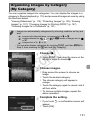
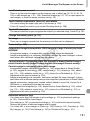
You can organize images into categories. You can display the images in a
category in filtered playback (p. 115) and process all images at once by using
the functions below.
• “Viewing Slideshows” (p. 116), “Protecting Images” (p. 125), “Erasing
Images” (p. 127), “Choosing Images for Printing (DPOF)” (p. 147),
“Choosing Images for a Photobook” (p. 151)
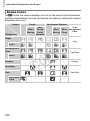
• Images are automatically categorized by shooting condition as they are
shot.
-
: Images with detected faces, or images shot in I or V.
: Images detected as
,
or
in A mode, or images shot in
or O.
: Images shot in w, P or t.
• You can also display categories by touching H and then n in
Step 2, then choosing the 1 tab, and [My Category].
Y
P
O
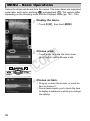
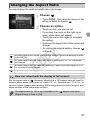
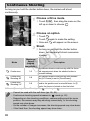
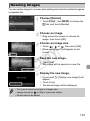
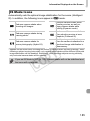
Choose ;.
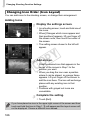
z Touch H, then drag the menu on the
left up or down to choose ;.
C
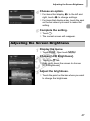
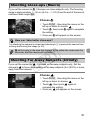
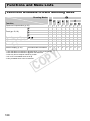
Choose images.
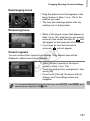
z Drag across the screen to choose an
image.
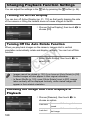
z Touch the desired category.
X The chosen category will appear in
orange.
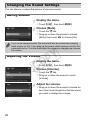
z Touch the category again to cancel, and it
will turn white.
z To choose multiple images, repeat the
above operation.
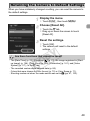
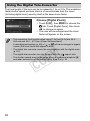
Complete the setting.
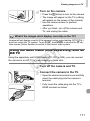
z If you touch ^, a confirmation screen will
appear.
z Touch [OK].
131