1
all-ux340L.book
Page 48 Thursday, December 23, 1999
5:37 PM
Setting Up and Using OpenLCR
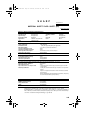
Changing the SHORT TIME and LONG TIME settings
The initial SHORT TIME setting is 2 minutes, and the initial LONG
TIME setting is 4 minutes. If the typical durations of your short and
long calls are different, you should change the time settings to ensure
that OpenLCR routes your calls for the best rate.
♦ For example, if your fax transmissions normally last about 3
minutes and your phone calls last about 5 minutes, set 03 for the
SHORT TIME and 05 for the LONG TIME. Before sending a fax,
select the SHORT TIME setting (03MIN) in the procedure on the
preceding page. Before making a phone call, select the LONG
TIME setting (05MIN).
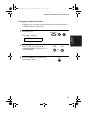
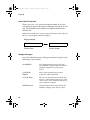
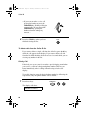
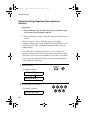
♦ When you change the SHORT TIME and/or LONG TIME setting,
the fax machine will automatically call OpenLCR and receive rate
data for the new times.
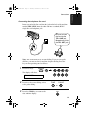
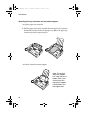
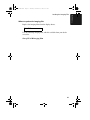
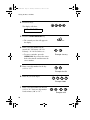
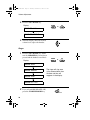
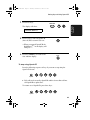
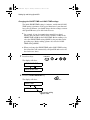
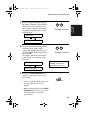
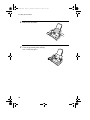
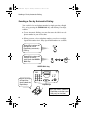
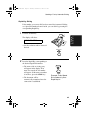
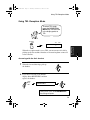
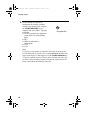
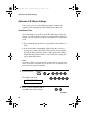
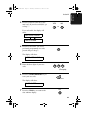
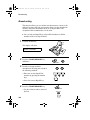
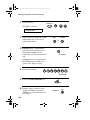
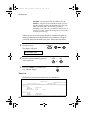
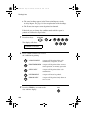
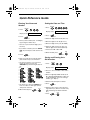
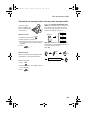
1
Press these keys:
FUNCTION
7
The display will show:
LCR TIME SELECT
PRESS START KEY
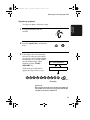
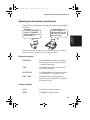
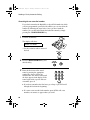
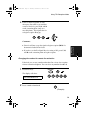
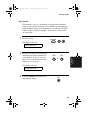
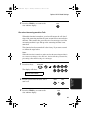
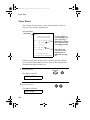
2
Press the START/MEMORY key.
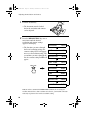
The display will show:
START/MEMORY
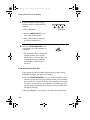
SHORT TIME
ENTER (01-29) 02
The current setting
appears here.
48