1
4-130 Motorola RF Switch System Reference Guide
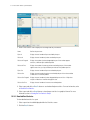
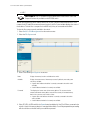
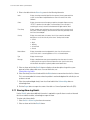
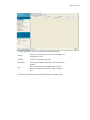
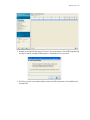
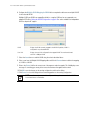
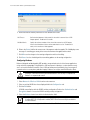
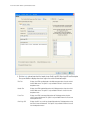
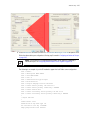
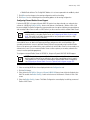
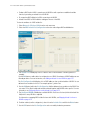
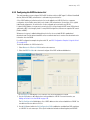
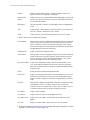
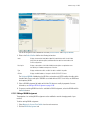
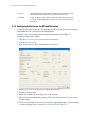
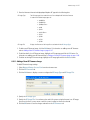
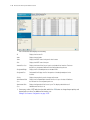
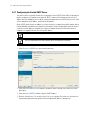
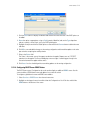
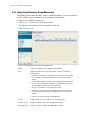
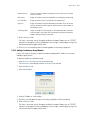
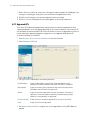
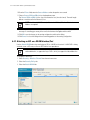
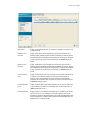
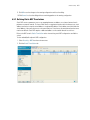
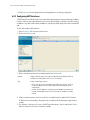
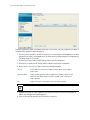
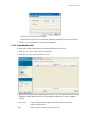
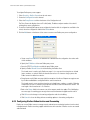
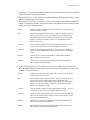
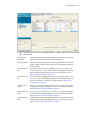
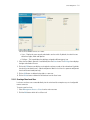
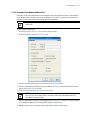
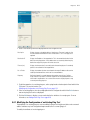
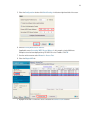
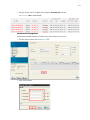
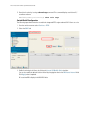
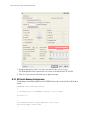
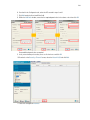
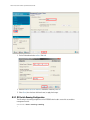
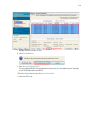
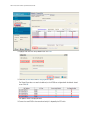
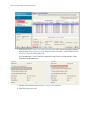
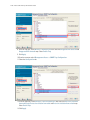
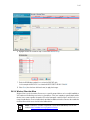
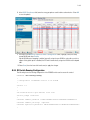
4. To modify a radio’s adoption defaults, select a radio and click the Edit button. For more information, see
Editing Default Access Port Adoption Settings on page 4-130.
!
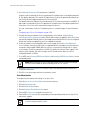
CAUTION: An Access Port is required to have a DHCP provided IP address before
attempting layer 3 adoption, otherwise it will not work. Additionally, the Access Port must
be able to find the IP addresses of the switches on the network.
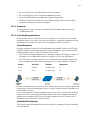
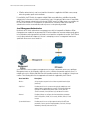
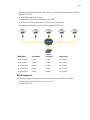
To locate switch IP addresses on the network:
• Configure DHCP option 189 to specify each switch IP address.
• Configure a DNS Server to resolve an existing name into the IP of the switch. The Access
Port has to get DNS server information as part of its DHCP information. The default DNS
name requested by an AP300 is “Symbol-CAPWAP-Address”. However, since the default
name is configurable, it can be set as a factory default to whatever value is needed.
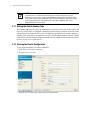
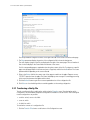
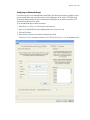
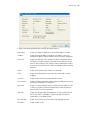
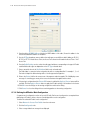
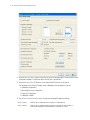
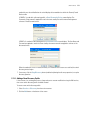
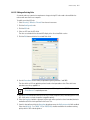
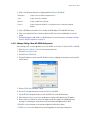
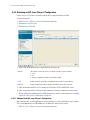
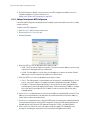
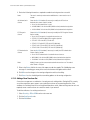
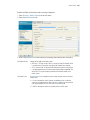
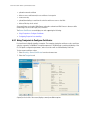
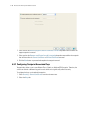
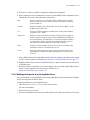
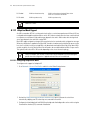
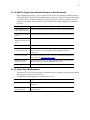
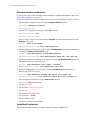
4.8.1.1 Editing Default Access Port Adoption Settings
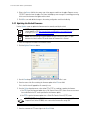
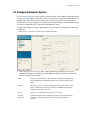
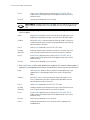
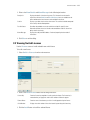
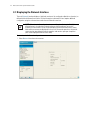
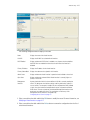
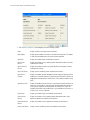
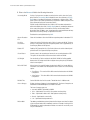
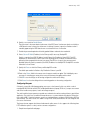
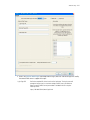
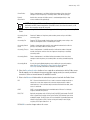
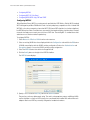
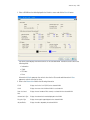
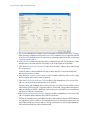
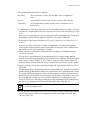
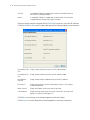
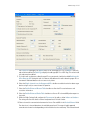
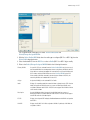
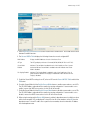
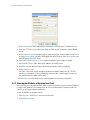
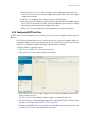
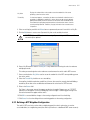
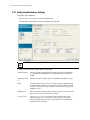
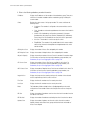
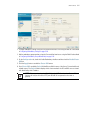
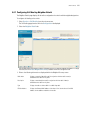
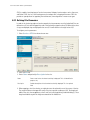
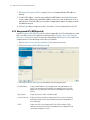
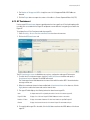
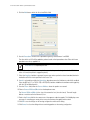
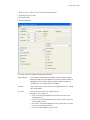
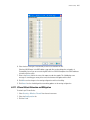
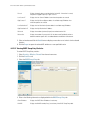
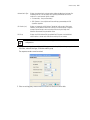
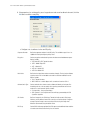
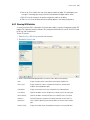
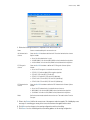
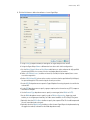
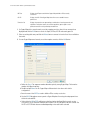
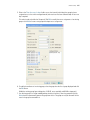
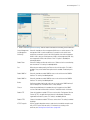
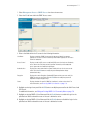
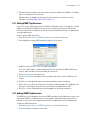
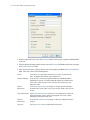
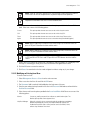
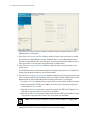
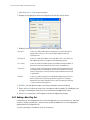
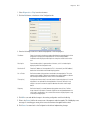
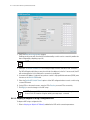
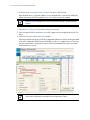
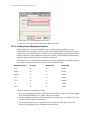
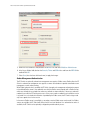
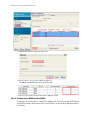
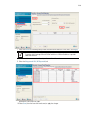
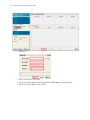
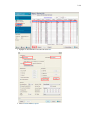
Use the Edit screen to dedicate a target radio as a detector radio, as well as change the radios settings
(placement, power and channel) and advanced properties (antenna setting, maximum associations, adoption
preference etc.).
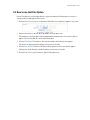
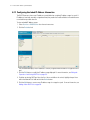
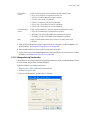
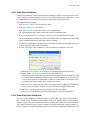
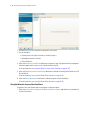
To edit radio adoption configuration settings:
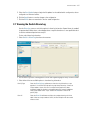
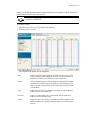
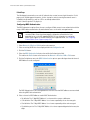
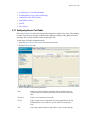
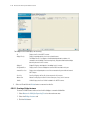
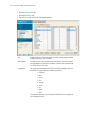
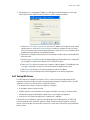
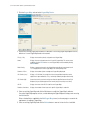
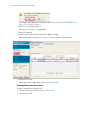
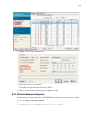
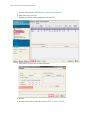
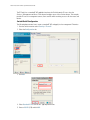
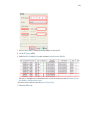
1. Select Network Setup > Access Port Adoption Defaults from the main menu tree.
2. Click the Configuration tab.
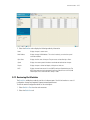
3. Select a radio from the table.
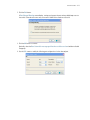
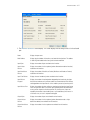
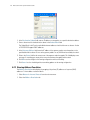
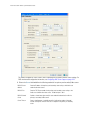
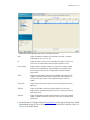
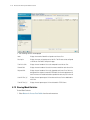
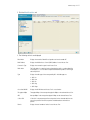
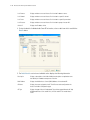
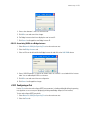
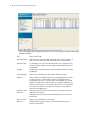
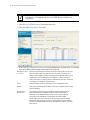
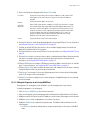
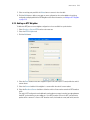
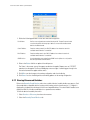
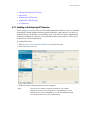
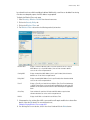
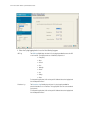
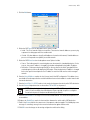
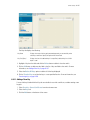
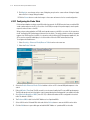
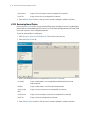
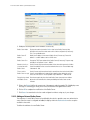
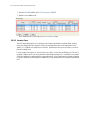
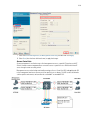
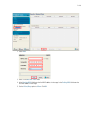
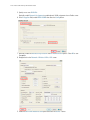
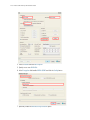
4. Click the Edit button to display a screen to change the radio adoption default values for the currently
selected radio type (either 802.11a or 802.11bg).